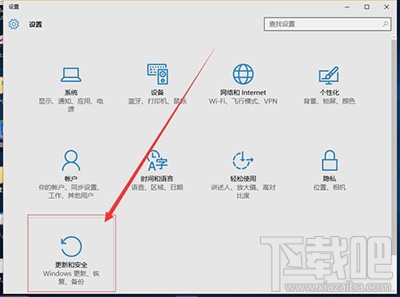
升級 Windows 10 後若覺得不習慣,可在 30 天內(或系統保留舊版檔案期間)透過內建「復原」功能一鍵降級回 Windows 7,保留個人檔案但需重新啟用應用程式。
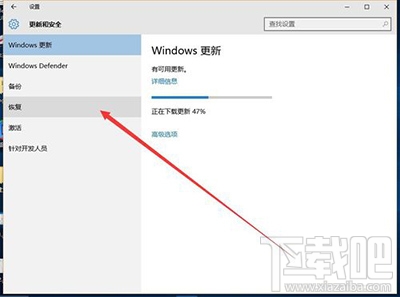
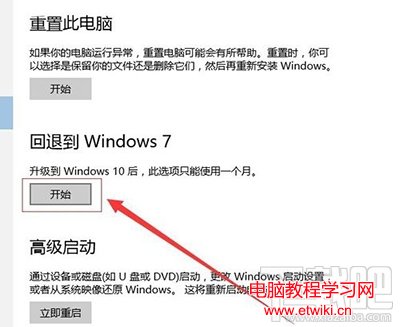
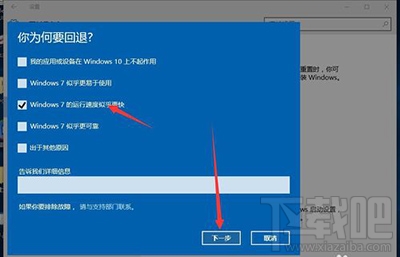
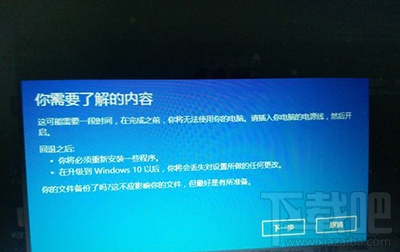
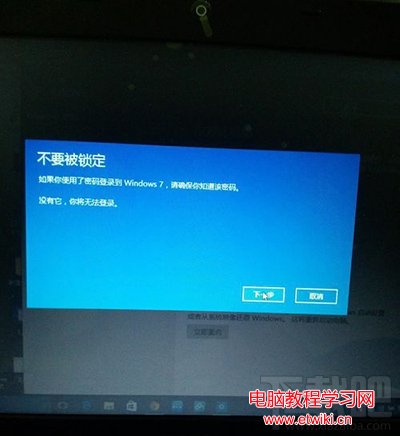
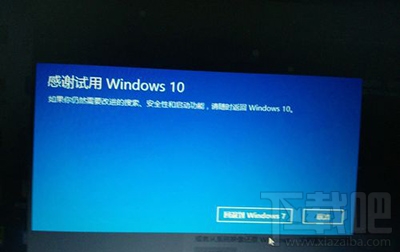
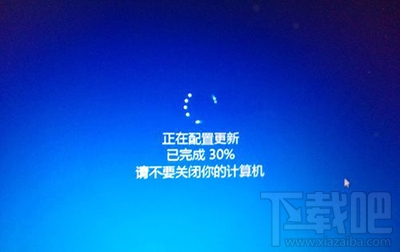
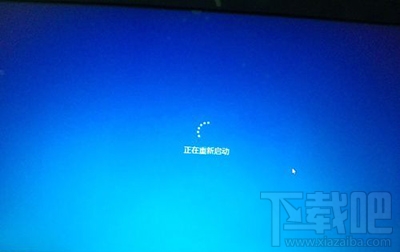
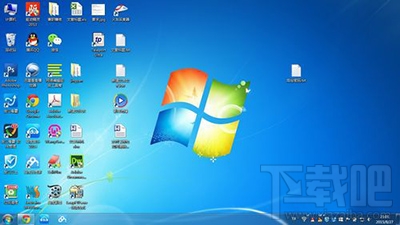
Windows.old 存在時)可用。Windows 10 內建 Windows Defender 防毒軟體啟用與掃描完整教學
Win10 搜尋功能失效?服務啟用 Windows Search 設為自動並重開機
Windows 7 調整介面文字大小 (DPI 縮放) 教學:自訂縮放比例最高可達 500%
Windows 10 Mobile/PC 磚塊排列組合玩法:情侶專屬愛心圖案、應用程式清單字母全點亮、工作列自訂文字
Windows 10 介面不習慣?用百度衛士「Win10 優化專家」一鍵還原 Win7 經典風格
Win10 最新觸控板手勢功能詳解:三指操作桌面、工作檢視、切換視窗