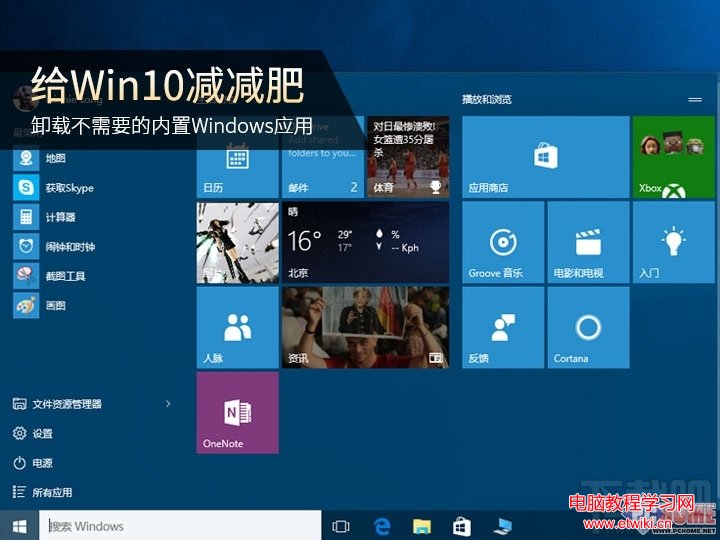
Windows 10 預裝了新聞、郵件、影音等應用,部分無法從開始選單直接卸載。可使用 PowerShell 指令移除。
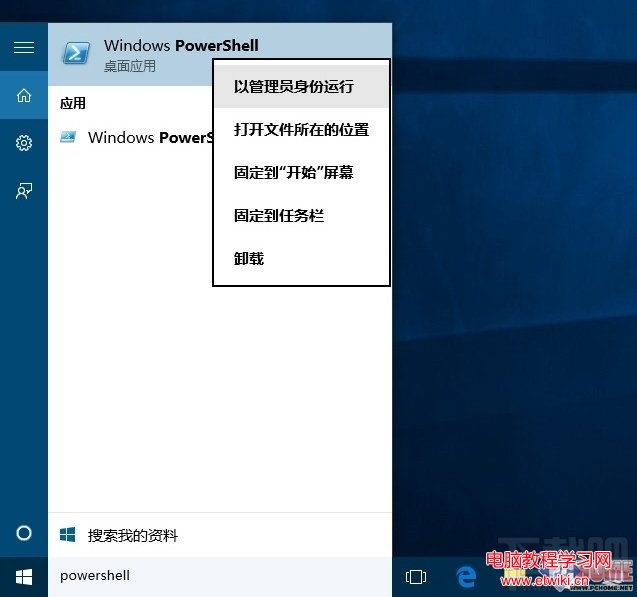
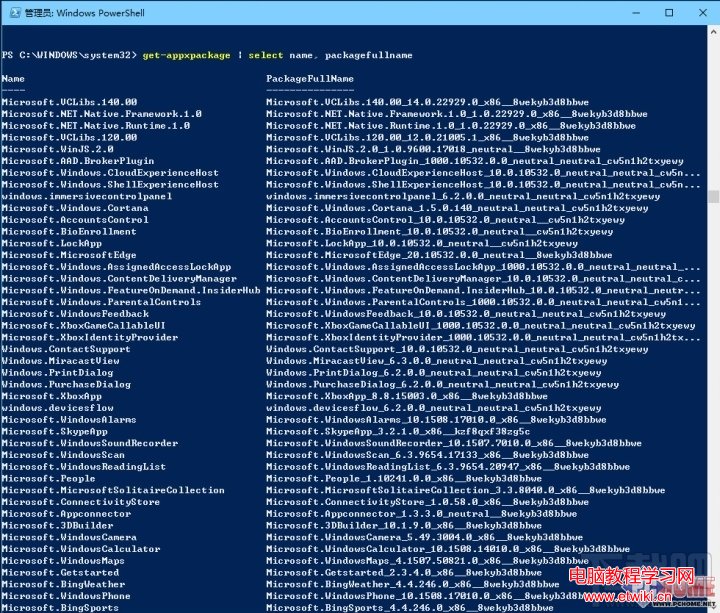
powershell → 右鍵「Windows PowerShell」 → 「以系統管理員身分執行」。Get-AppxPackage | Select Name, PackageFullNameGet-AppxPackage -allusers *關鍵字* | Remove-AppxPackage| 應用名稱 | PowerShell 指令 |
|---|---|
| 行事曆、郵件 | get-appxpackage *communicationsapps* | remove-appxpackage |
| 人脈 | get-appxpackage *people* | remove-appxpackage |
| Groove 音樂 | get-appxpackage *zunemusic* | remove-appxpackage |
| 電影與電視 | get-appxpackage *zunevideo* | remove-appxpackage |
| 財經 | get-appxpackage *bingfinance* | remove-appxpackage |
| 新聞 | get-appxpackage *bingnews* | remove-appxpackage |
| 運動 | get-appxpackage *bingsports* | remove-appxpackage |
| 天氣 | get-appxpackage *bingweather* | remove-appxpackage |
| OneNote | get-appxpackage *onenote* | remove-appxpackage |
| 鬧鐘與時鐘 | get-appxpackage *alarms* | remove-appxpackage |
| 計算機 | get-appxpackage *calculator* | remove-appxpackage |
| 相機 | get-appxpackage *camera* | remove-appxpackage |
| 相片 | get-appxpackage *photos* | remove-appxpackage |
| 地圖 | get-appxpackage *maps* | remove-appxpackage |
| 語音錄音機 | get-appxpackage *soundrecorder* | remove-appxpackage |
| Xbox | get-appxpackage *xbox* | remove-appxpackage |
注意:不建議使用 Get-AppxPackage -allusers | Remove-AppxPackage 一次移除所有應用,會連同 Windows Store 一起移除,影響後續安裝應用。
若需恢復,執行:
Get-AppxPackage -allusers | foreach {Add-AppxPackage -register "$($_.InstallLocation)\appxmanifest.xml" -DisableDevelopmentMode}
Win10 右下角彈出「USB 連接埠電源浪湧」?關閉通知設定、排查硬體故障、認識電源浪湧成因
注意!Windows 10 所有內部預覽版金鑰已失效:全新安裝無法啟用,建議等待正式版釋出
Win10 零售版 USB 安裝隨身碟 日本實體通路開賣 金屬機身精緻包裝 家庭版/專業版雙版本合一
Win8.1 便箋功能使用教學:Metro 介面快速建立、變色、釘選工作列
Windows Server 2008 CA 設定 HTTPS 綁定圖解教學
Win7 Office 字體異常 (仿宋_GB2312/楷體_GB2312 缺失) 解決:複製字體檔或內嵌字體