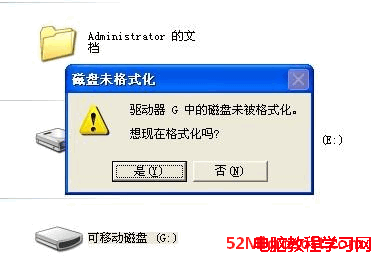
16GB 隨身碟格式化為 exFAT 以支援 >4GB 大檔,插入 XP 電腦卻提示「磁碟未格式化」,屬性顯示 RAW 格式、容量 0。原因是 XP 預設不支援 exFAT,需安裝更新補丁 KB955704。
問題分析
- exFAT 由 Vista 開始內建支援,XP 需透過補丁支援。
- 同一支隨身碟在 Win7/Win8 正常,證實隨身碟無損壞。
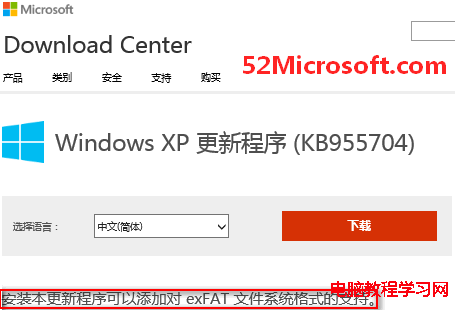
- 微軟知識庫確認:KB955704 為「Windows XP exFAT 檔案系統支援更新」。
解決方法
- 下載並安裝 Windows XP 更新程式 (KB955704) (官方下載中心或可信鏡像站)。
- 重新開機。
- 重新插入 exFAT 隨身碟,即可正常讀寫,不再提示格式化。
補充: 若 XP 為 SP3 且已安裝所有高優先序更新,通常已包含此補丁。若為精簡版/Ghost 版可能被移除,需手動補裝。