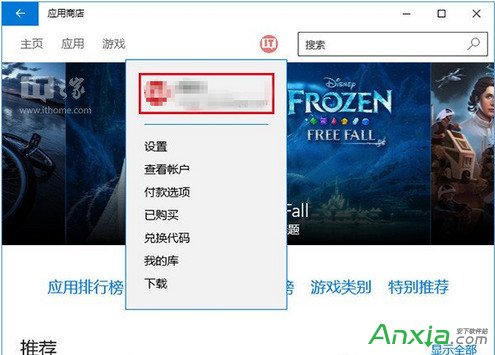
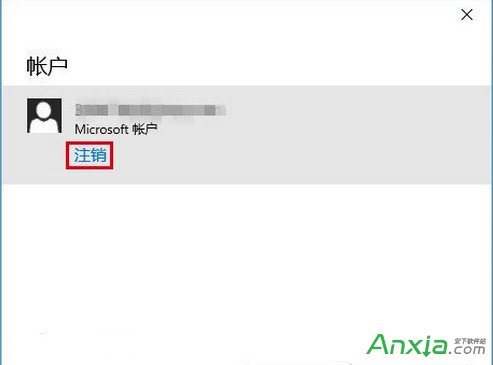
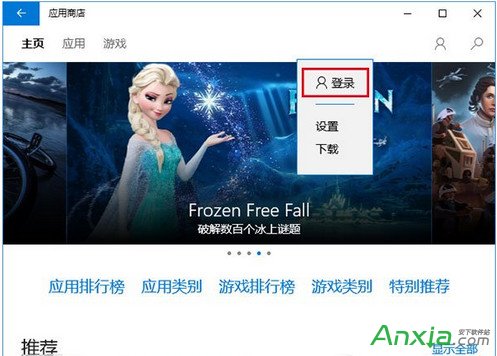
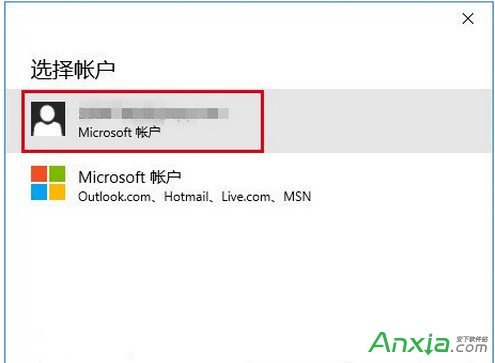
Win10 應用商店無法開啟或下載卡住,微軟雖宣稱已修復但仍有用戶中招。依難易度依序嘗試四種方法:
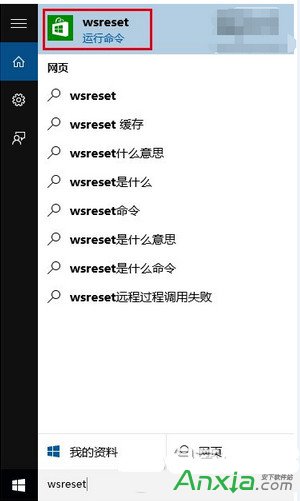
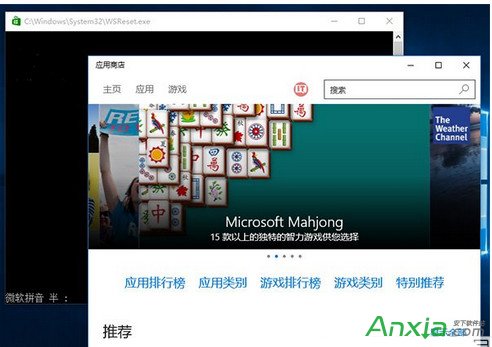
wsreset
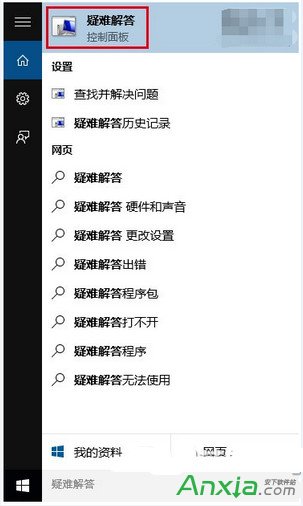
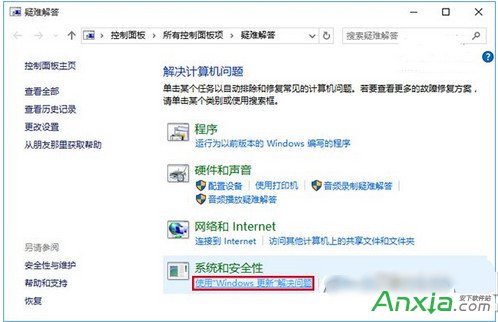
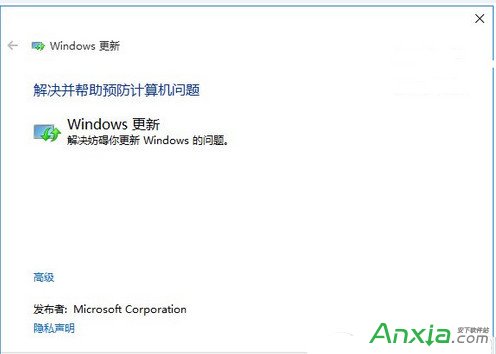
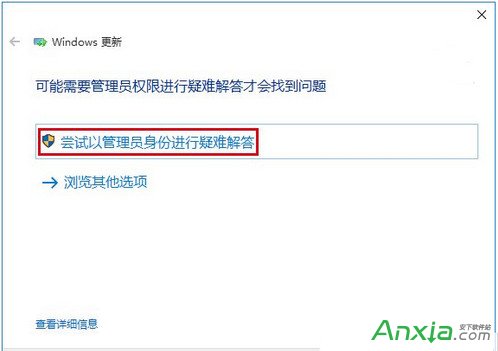
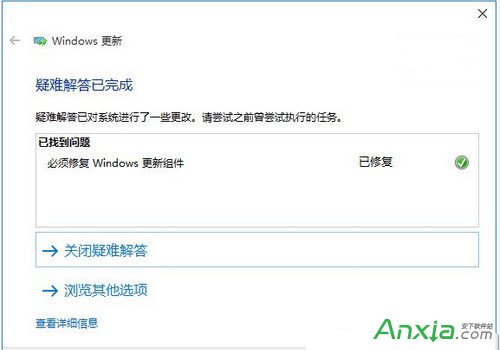
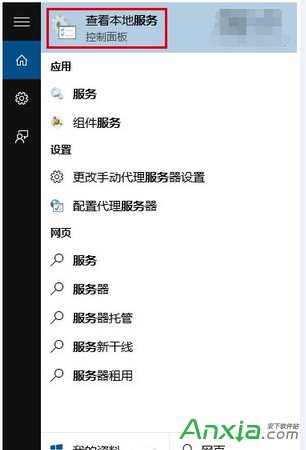
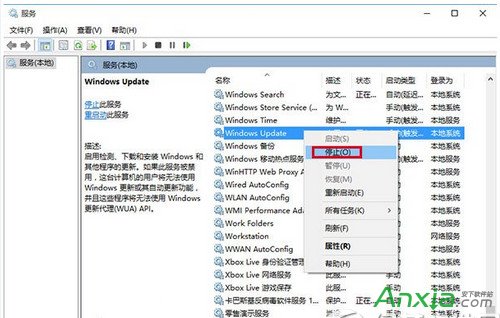
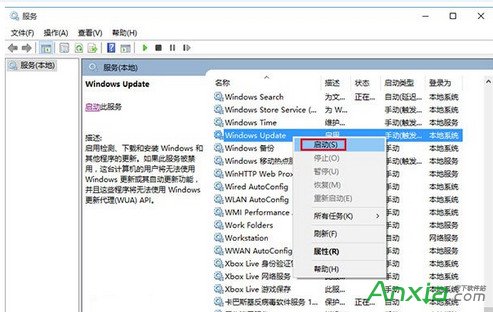
Windows Update
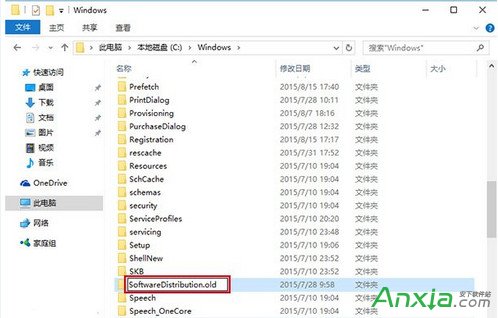
C:\Windows\SoftwareDistribution
SoftwareDistribution.old
前三法通常已足夠,第四法僅作最後手段。
Windows 7 升級 SP1 黑畫面錯誤 0xc0000034?安全模式還原或命令列修復 BCD 解決
Win7 系統如何用 Shutdown.exe 快速設定定時關機?
國外全自動安裝軟體神器 Ninite 介紹:勾選即裝,無廣告無捆綁
Windows 10 正式發布前迎來第三波更新補丁 KB3074674:持續修補優化
Win10 桌面圖示設定教學:顯示/隱藏系統圖示
Win10 開機預設開啟數字小鍵盤設定教學
Windows Server 2003 無法識別移動硬碟解決方案:啟用 Removable Storage 服務與磁碟管理指派磁碟機代號
Win7 雙路由器串聯設定教學:主路由撥號 + 副路由當交換機擴充埠口