Windows 8.1 預覽版升級流程曝光,分為「Windows Store 線上升級」與「ISO 離線安裝」兩條路徑,適用不同用戶場景。
路徑一:Windows Store 線上升級(適用一般 Windows 8 核心版/專業版用戶)
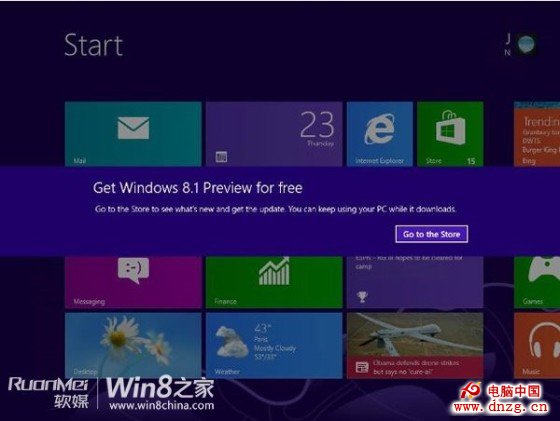
- 收到 Windows Update 推送通知 → 點擊進入 Store 的 Windows 8.1 介紹頁決定是否升級。
- Store 內下載更新(約 2 GB,過程可隨時取消)。
- 首階段完成 → 系統要求重啟(含倒數計時提醒)。
- 重啟進入 Windows 安裝介面 → 接受授權條款。
- OOBE 初始化設定(個人化、帳戶同步等,同 Windows 8 安裝流程)。
- 登入桌面,升級完成。
路徑二:ISO 鏡像離線安裝(適用以下用戶)
- 當前系統語言不在 8.1 預覽版支援的 13 種語言清單內。
- Windows 8 企業版用戶(無法透過 Store 升級)。
- 需保留現有系統進行多重開機的進階用戶。
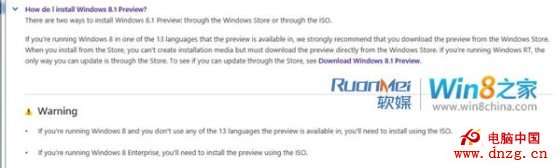
建議一般用戶優先選擇 Store 升級,企業版與跨語言需求者準備 ISO 乾淨安裝並做好資料備份。