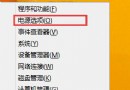
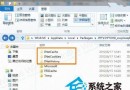
若不想產生瀏覽記錄,需透過登錄表禁用 TypedPaths 寫入權限:
regedit 開啟登錄表編輯器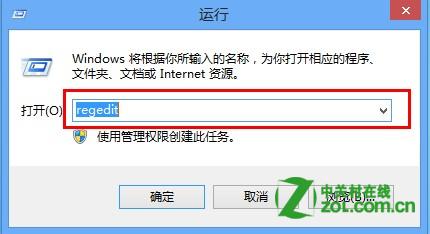
TypedPaths(或手動定位 HKEY_CURRENT_USER\Software\Microsoft\Windows\CurrentVersion\Explorer\TypedPaths)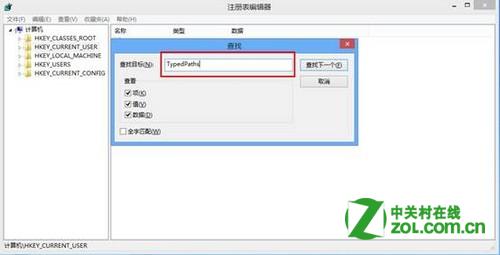
TypedPaths → 「權限」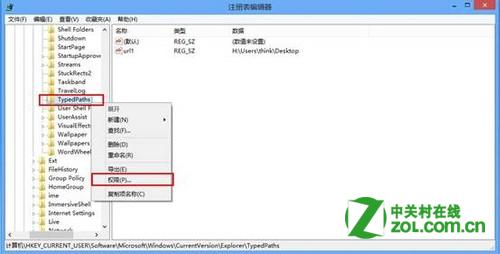
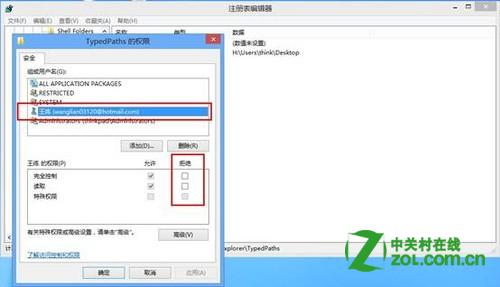
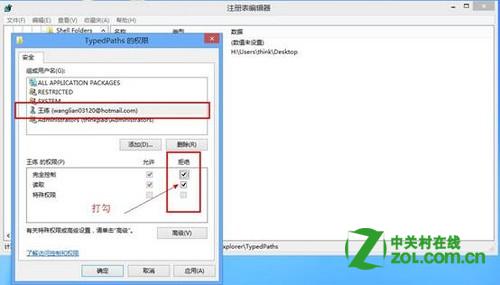
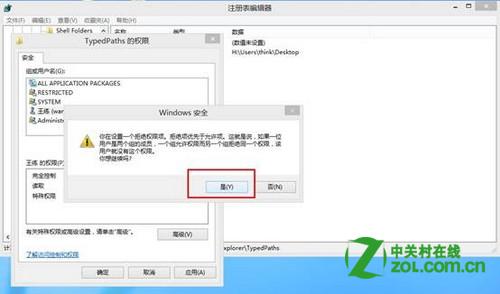

注意:此法透過權限拒絕寫入,較徹底但需謹慎操作登錄表權限。
Win8 系統更新後 IE 瀏覽器無法開啟 Winsock 重置修復法
Win8 Ctrl+Shift 無法切換輸入法?控制台 → 語言 → 進階設定 → 更改語言列熱鍵 重新指派
Windows 8 觸控操作完整圖解:全尺寸/拇指鍵盤、常用手勢對照表、鍵盤語言自動追蹤
Windows To Go:將 Win 8 企業版裝進 USB 隨身碟,打造攜帶式工作環境
Win8 建立桌面應用程式捷徑:從開始畫面「開啟檔案位置」複製
Windows 8 安裝方式三大選擇利弊分析:覆蓋安裝、雙系統、虛擬機,哪種適合你?