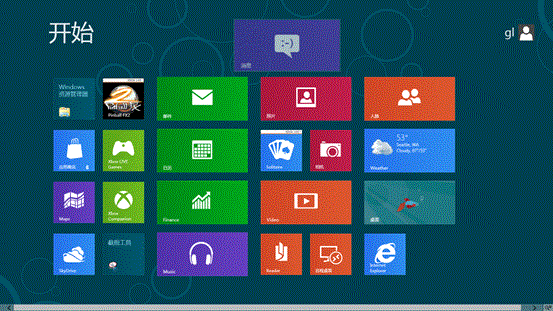
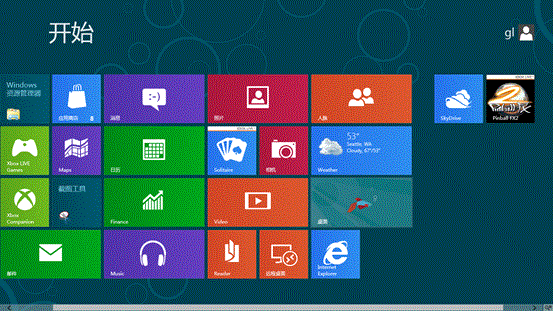
手指長按磚稍向下拖動,再移動至目標位置釋放。
Win8.1 工作列與桌面圖示無回應?重新啟動 Windows 資源管理器進程秒修復
Windows 8 虛擬無線熱點(託管網路)建立與自動啟動批次檔教學
Windows 8 找回 F8 安全模式:一行指令恢復傳統開機選單
Windows 8 CPU/硬碟溫度過高完整排解策略
Windows 8 開始畫面自訂技巧:磚群組命名、移動、應用程式釘選與解除安裝
Win8/8.1 安裝 Win10 雙系統完整圖文教學(UEFI/GPT 支援)
Win8 設定 Java 環境變數 JAVA_HOME 與 Path 圖文教學
Win8 開始畫面釘選「關機」磚:建立 shutdown 捷徑一鍵關機