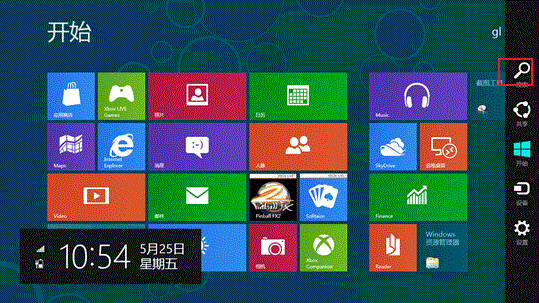
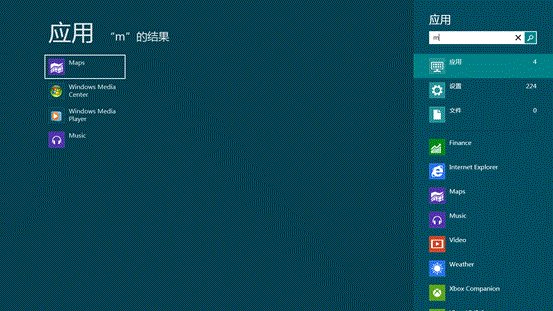
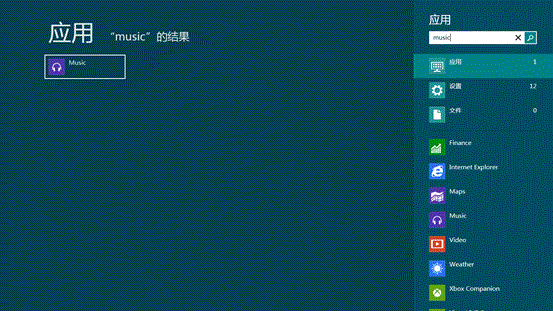
Windows 8 解除螢幕保護/喚醒需輸入密碼:取消顯示登入畫面設定
Windows 8 開始畫面「桌面」磚不見了?兩招找回:重新固定或複製捷徑
Windows 8 高對比度顯示模式啟用與關閉三種方法
Windows 8 關閉自動下載安裝更新:自訂更新策略避免強制重開機
Win8 關閉索引服務加速 SSD:控制台「索引選項」→「修改」→ 取消所有勾選位置
Windows 8/8.1 變更產品金鑰並啟用 (命令列法)
Win 8 開始畫面與傳統開始選單深度對決:誰更勝一籌?
如何刪除 Win8 主題?必須先切換至其他主題才能刪除