Windows 更新機制會在 WinSxS 資料夾保留舊版元件備份,長期累積佔用大量系統磁碟空間。Windows 8.1 內建 DISM 指令可安全移除已取代的舊版元件,僅保留最新版本。
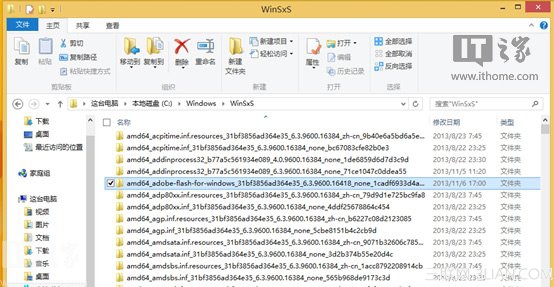
以內建 Flash Player 為例,每月更新都會在 X:\Windows\WinSxS 產生 amd64_adobe-flash-for-windows 或 x86_adobe-flash-for-windows 備份資料夾,久而久之造成龐大冗餘。
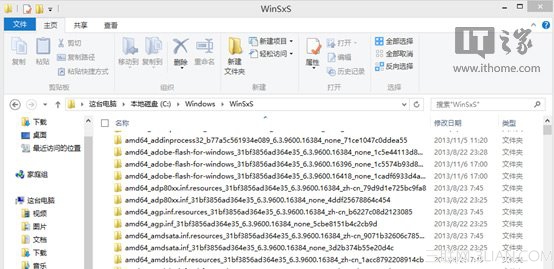
dism /online /Cleanup-Image /StartComponentCleanup /ResetBase返回 X:\Windows\WinSxS 檢查 Flash Player 資料夾,僅保留最新版本(如 6.3.9600.16418),舊版備份已被移除。
此指令同樣適用於 GA 更新補丁安裝後的冗餘清理,是系統維護的高效利器。