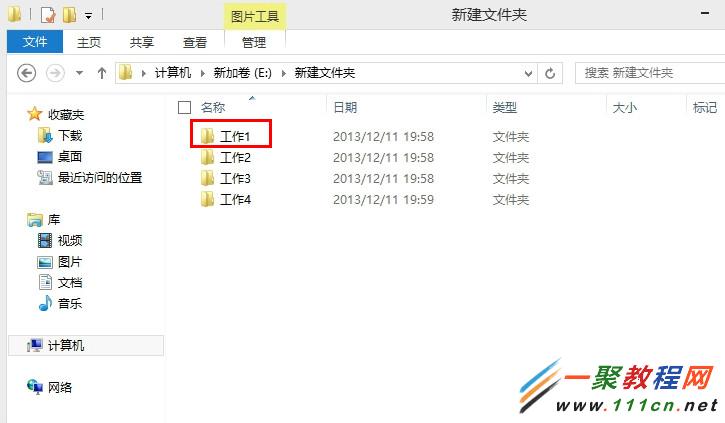
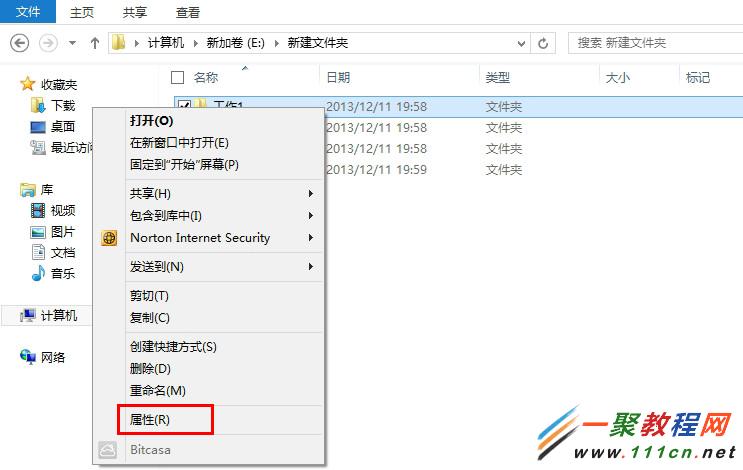
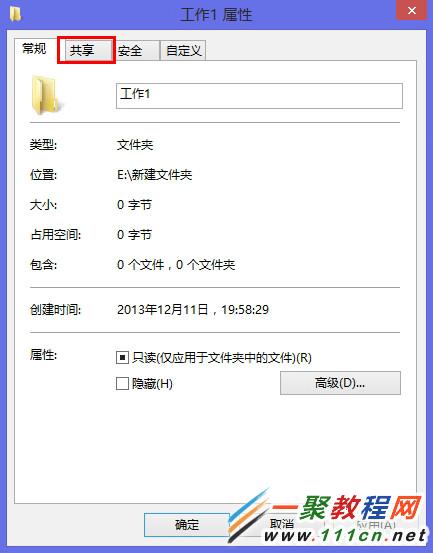
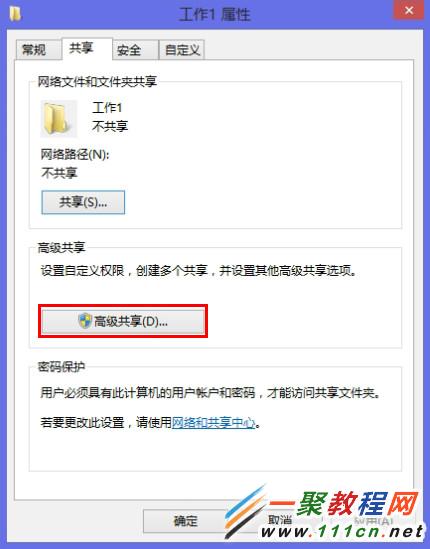
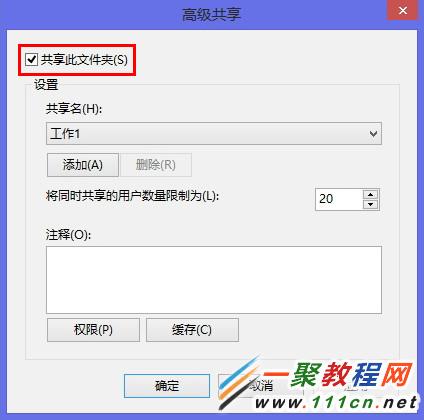
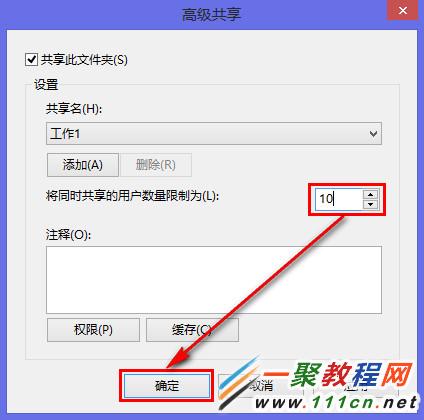
Windows 8 可限制共享資料夾的最大同時連線使用者數,避免效能下降或授權超用。
超過上限的連線嘗試將被拒絕,保障資源公平分配。
Windows 8 螢幕突然黑屏解決:刪除登錄檔 LogPixels 值
Windows 8 設定圖片密碼:用手勢解鎖更安全
Windows 8 查看 Metro 應用安裝位置與大小:程式庫設定、WindowsApps 資料夾權限、PowerShell 查詢
Win8.1 DNS劫持怎麼解決?運營商頁面解除封鎖+手動指定公共DNS雙重防護
Windows 8.1 快速切換使用者帳戶:Shift+右鍵「以其他使用者身分執行」
Win8.1 解除安裝 IE11 瀏覽器 (Windows 功能關閉法) 完整教學
Windows 8 字體美化神器 MacType 完整安裝與設定教學
Win8 內建「工作排程器」設定定時關機:三步建立自動關機任務,無需第三方軟體