Win8/8.1 內建「認證管理器」,自動保存 IE、Modern 應用登入的網站帳號密碼。忘記密碼時,只要本機帳戶已設定密碼保護,即可從認證管理器查看並備份所有儲存憑證。
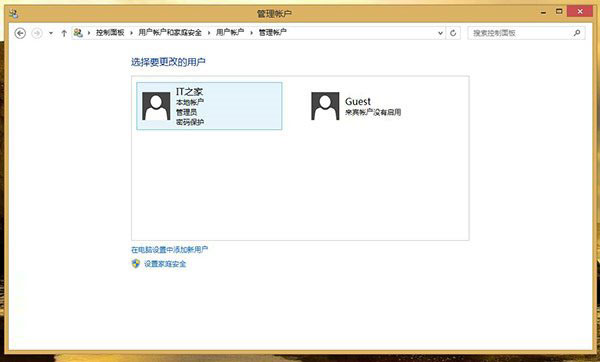
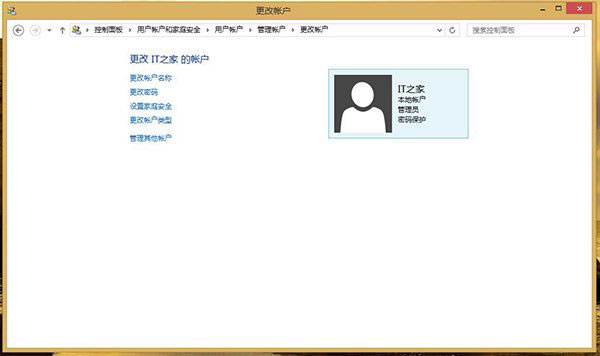
前置條件:本機帳戶必須設定密碼
- 控制台 → 使用者帳戶 → 管理帳戶 → 選擇自己的帳戶 → 「建立密碼」。
查看儲存的網頁密碼
- 控制台 → 使用者帳戶 → 「認證管理器」。
- 選擇「Web 認證」標籤,列出所有已儲存的網站帳密。
- 點擊任一項目 → 「顯示」 → 輸入 Windows 登入密碼驗證 → 即可看到明文密碼。

同樣適用於 Windows 10/11。若使用 Microsoft 帳戶登入,密碼會同步至雲端,也可在 Microsoft 帳戶網頁 管理。