持有正版 Win8 Key 升級系統,官網中文版升級助手僅提供付費購買(248 元),無 Key 輸入欄位。解法:改用英文版升級助手。
關鍵差異
- 中文版:https://windows.microsoft.com/zh-CN/windows-8/upgrade-product-key-only → 無 Key 輸入,直接付費
- 英文版:https://windows.microsoft.com/en-AU/windows-8/upgrade-product-key-only → 可輸入 Key 升級
英文版升級流程
- 下載 5.18MB 升級助手
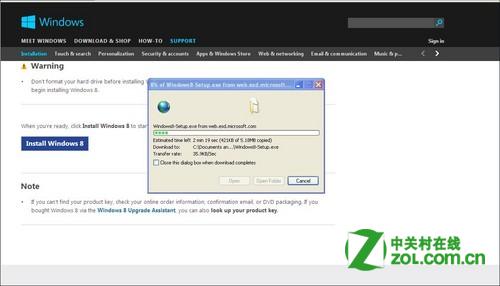
- 第一步即出現 Key 輸入頁 → 輸入 Key
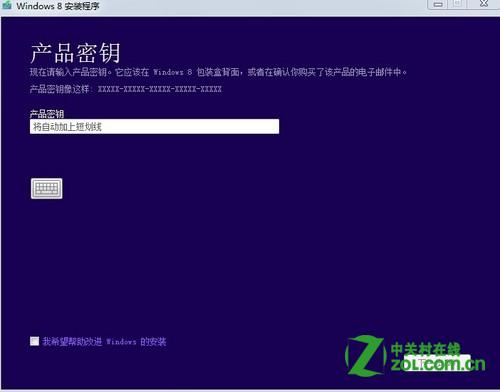
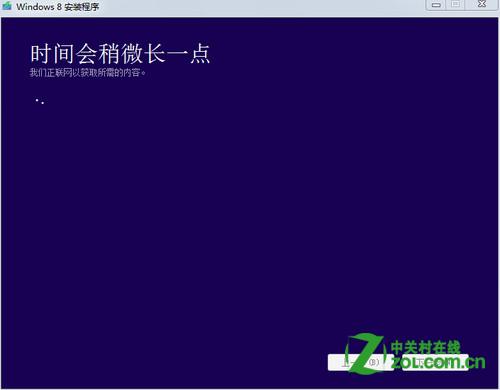
- 驗證 Key → 等待
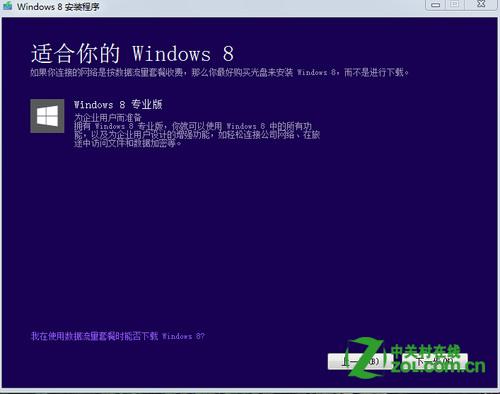
- 依 Key 判斷升級版本(如專業版)
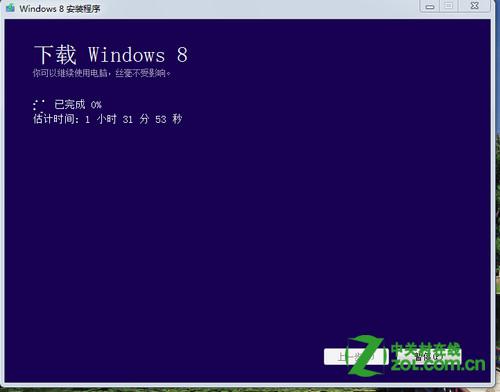
- 線上下載 Win8(視網速,約 90 分鐘)
- 完成後多次重開機自動安裝,靜待完成
提醒:中文版不支援 Key 輸入或為打擊盜版設計;淘寶購買 Key 風險自負,建議支持正版。