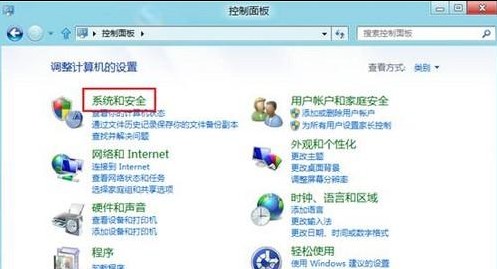
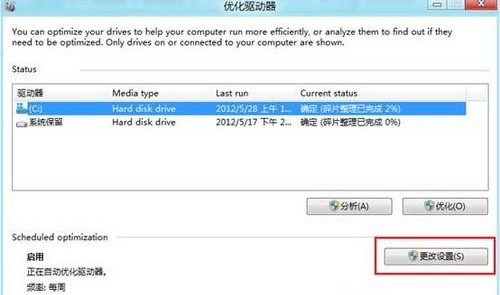
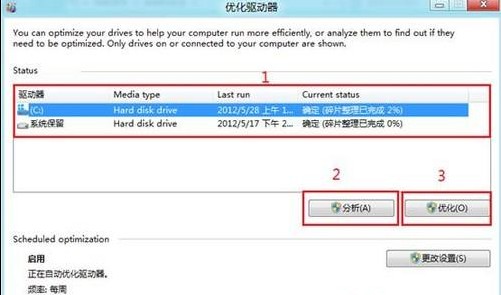
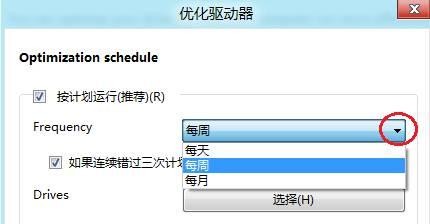
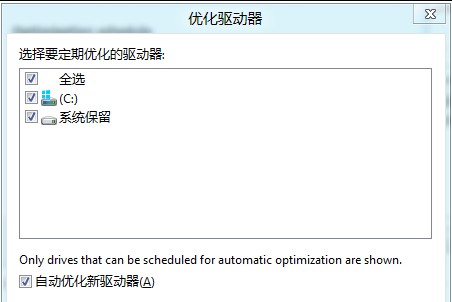
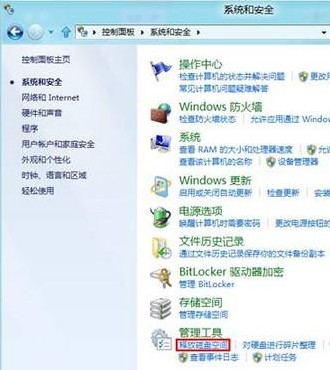
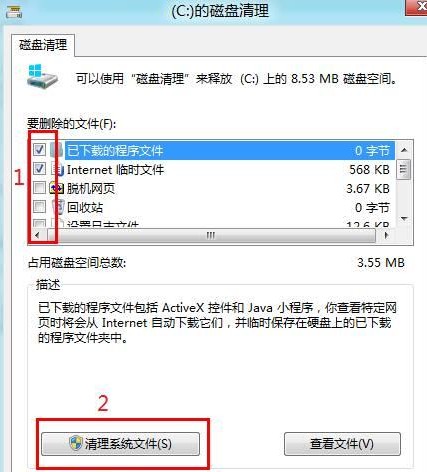
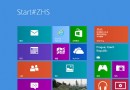
Windows 8 將「磁碟碎片整理」更名為「最佳化」,並整合「釋放磁碟空間」功能。以下為完整操作流程:
Win8 乾淨開機模式退出指南:七步驟恢復正常啟動
Windows 8 刪除搜尋歷史記錄,保護隱私
Windows 8 筆電網路「受限」問題:TCP/IP 參數優化指令解決方案
Windows 8 設定桌面背景自動輪播切換教學
Win8.1 任務列圖示中間出現大空隙?三步排除法快速修復
Windows 8.1 SkyDrive 深度蛻變:雲端/本地雙瀏覽、線上/離線模式、儲存空間管理、全裝置設定同步
Windows 8 關閉 SmartScreen 篩選器教學
刪除 Windows 8 同步至雲端個人設定:關閉同步與雲端刪除兩步驟完整圖解