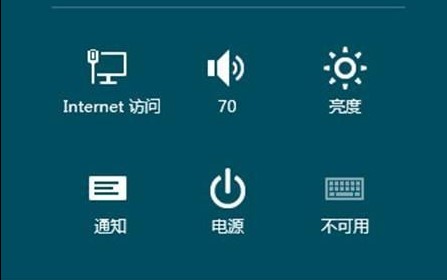
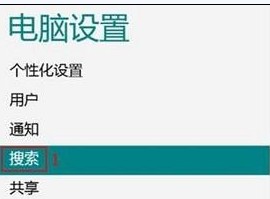
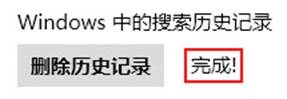
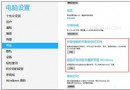
Windows 8 搜尋功能強大且會記錄關鍵字,若不清除可能洩露隱私。檔案總管搜尋列與控制台均無直接清除選項,需透過「電腦設定」操作。
建議定期執行,或於搜尋敏感關鍵字後立即清除,確保隱私不外洩。
Win8.1 登錄後直接進桌面不進開始屏?導航頁簽勾選「登錄時轉到桌面」一鍵搞定
Windows 8 IE10 建立桌面捷徑兩種方法
Win8 變更 SkyDrive (OneDrive) 預設儲存位置 避免 C 槽爆滿
Windows 8 IE10 快顯視窗封鎖管理:設定封鎖等級與例外網站
Win8.1 寬帶撥號開機自動連接?任務計劃程序建立「登入時觸發」執行 rasdial 腳本
Win8/8.1 系統配置需求圖解:最低規格 vs 流暢運行建議規格
Win8 安裝聲卡驅動後無聲音 登錄修復 Audiosrv 權限法
Win8.1 Microsoft 帳號登入卡在「請稍候」?重新註冊帳號、修復系統檔案或改用本地帳號