DHCP... 等待網路開機。Operating System not found。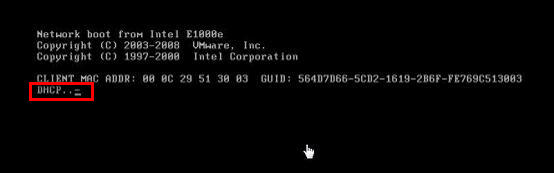
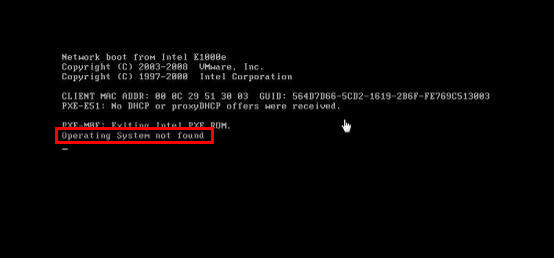
虛擬機預設啟用「網路開機」(PXE),優先從網路載入作業系統,導致無法從 ISO/虛擬光碟開機安裝。
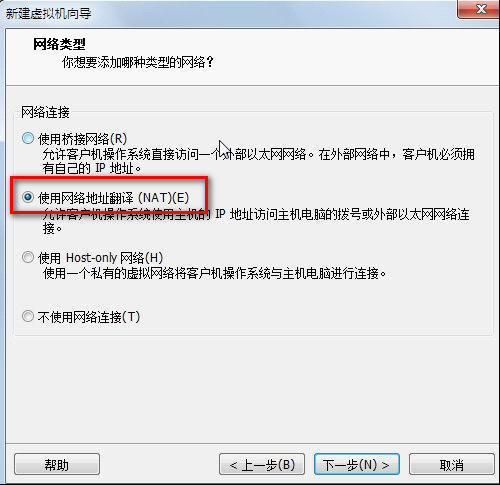
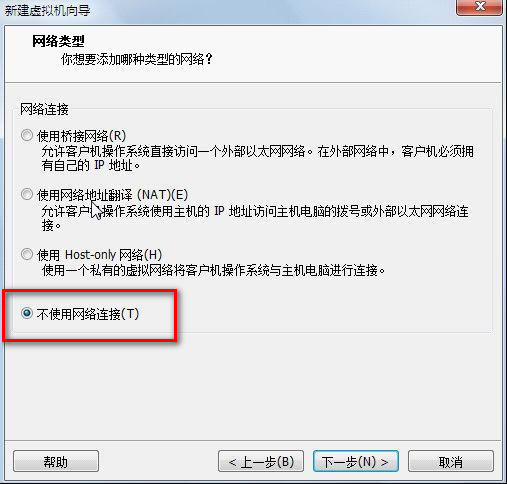
此問題常見於 VMware Workstation、VMware Player、VirtualBox 等虛擬化軟體預設啟用 PXE 開機選項。
製作 Windows 8.1 Update RTM Escrow 整合映像檔完整教學 (DISM + UltraISO)
Win 8 優化磁碟機效能完整指南:自動排程、手動操作與進階設定
Win8.1 Update 安裝後黑畫面?微軟尚未提供官方修復
Win8 巧用群組原則限制網速:設定 QoS 封包排程器保留頻寬百分比
Windows 8 設定儲存空間完整教學:建立儲存池、選擇復原模式 (簡單/鏡像/奇偶校驗)、管理與刪除
Win8 右鍵選單出現兩個「Windows 照片檢視器」?刪除多餘資料夾即可解決