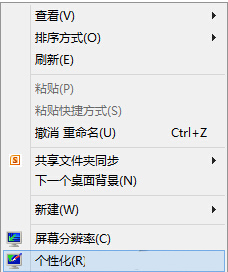
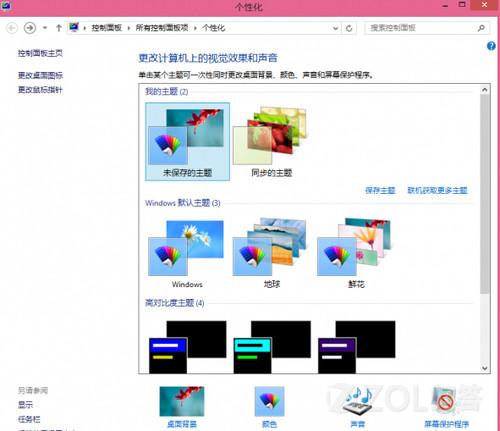
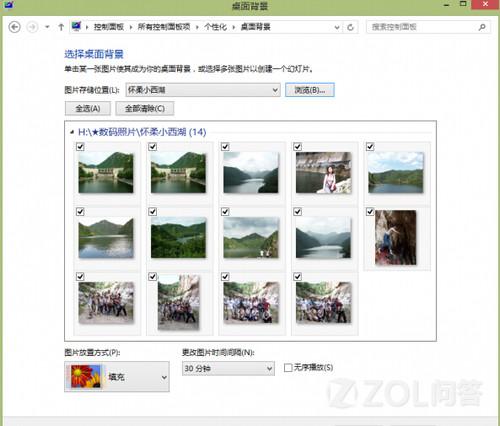
透過照片與聲音組合,打造視聽享受的個人化桌面。
Windows 8.1 設定睡眠喚醒密碼:保護隱私、防止資料外洩
Windows 8 IE10 無法開啟 QQ 空間解決方案:Metro IE 不支援 Flash、桌面版 IE 相容性檢視切換至 IE9 模式
Windows 8 分螢幕貼靠功能詳解:Modern 應用並排、桌面視為應用、熱鍵操作與分隔線調整
Windows 8 筆電取消開蓋自動開機:電源選項關閉蓋子動作設為「不採取任何動作」
Windows 8 開機無法按 F8 進入修復模式?教你手動進入進階啟動選項
Windows 8 登入更個性化:圖片密碼建立教學,觸控滑鼠通用,三手勢組合比傳統密碼更安全
Win8 打造傳統「快速啟動列」教學 找回 XP 時代習慣
Win8 筆記本螢幕亮度無法調節?修改登錄檔恢復亮度控制功能