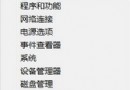
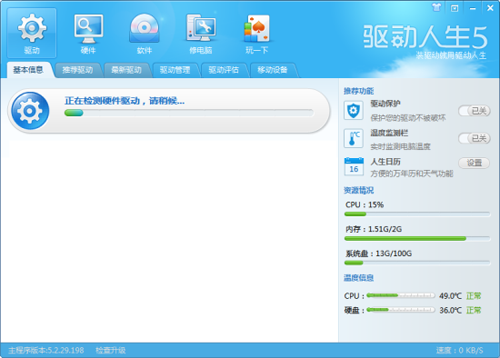
升級 8.1 後桌面右鍵選單彈出極慢甚至無回應,非硬體效能問題,實為顯示卡驅動程式版本過舊導致相容性衝突。
右鍵選單瞬間恢復流暢。升級系統後同步更新驅動程式/軟體,可避免版本過舊引發異常。
Win8.1 繞過資源回收筒直接刪除檔案:Shift+Delete 或 設定永久刪除
Windows 8.1 內建截圖工具無法使用?四大修復方案
Win8.1 Update 繁簡中文語言包安裝教學:線上與離線兩種方式
Win8系統記憶體不穩定的三大主因與解決對策
Win8 防止開始畫面被竄改:啟用群組原則鎖定磁磚佈局
Win8 無法開機?製作安裝媒體進入修復環境自動修復
從雙系統移除 Windows 8 完整教學:刪除開機選單項目、清除 D 盤系統檔案、處理權限問題
Windows 8.1 應用程式商店閃退?重設快取、Winsock 重置、PowerShell 重新註冊三招修復