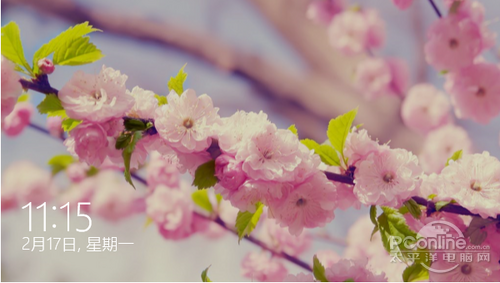
Windows 8/8.1 預設鎖定畫面顯示精美壁紙與通知,若偏好直接進入登入畫面,可透過群組原則停用 Modern 鎖定畫面。
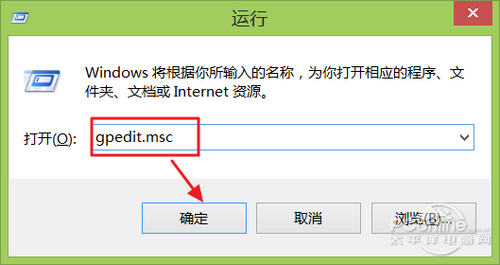
gpedit.msc
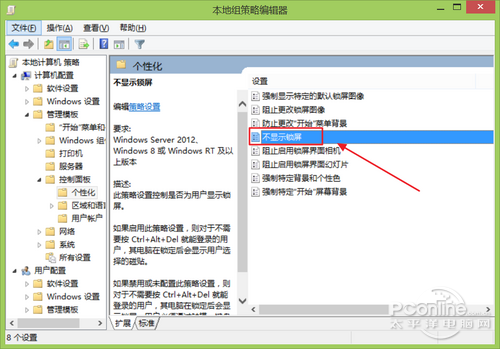
電腦設定 → 管理範本 → 控制台 → 個人化
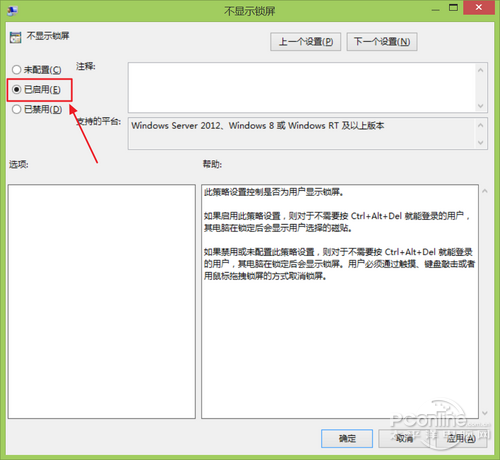
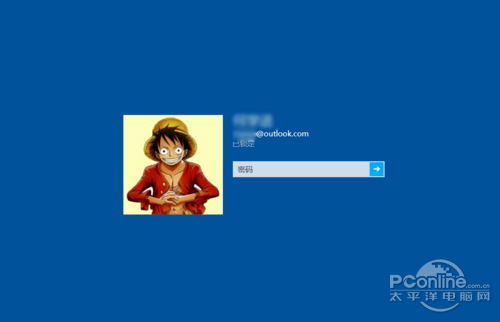
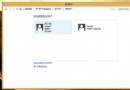
按 Win+L 鎖定後將直接顯示登入畫面,不再經過 Modern 鎖定畫面。若需恢復,將該原則改為「已停用」即可。
Win8 筆電玩網遊超級卡?檢查規格、更新獨顯驅動、關閉核顯兩大關鍵
Win8.1 出現錯誤 0x80072F8F?根本原因是系統時間不同步,3 分鐘校正教學
Win8 如何使用 Windows To Go 功能?將系統安裝至隨身碟攜帶漫遊
雙系統環境下完美移除 Windows 8 保留 Windows 7
Win8 極速開機優化總結:BIOS Fast Boot、4K 對齊、混合啟動、關閉 GUI、精簡啟動項
Win8 右鍵快捷選單失靈 註冊表修復恢復上下文選單功能
Windows 8 工作列小白旗出現紅叉?關閉操作中心提示即可解決
Win8.1 筆電拔掉電源螢幕黑屏?統一交流/電池模式螢幕重新整理率解決