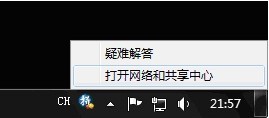
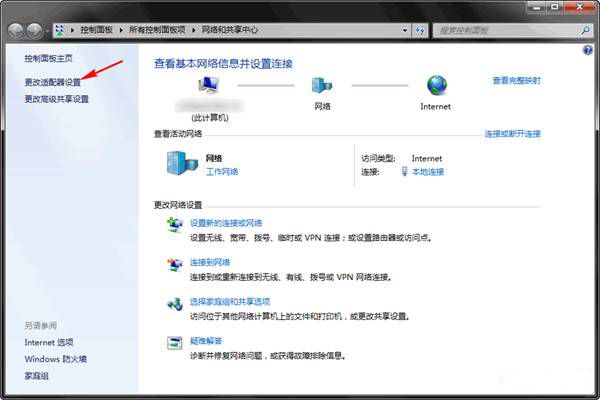
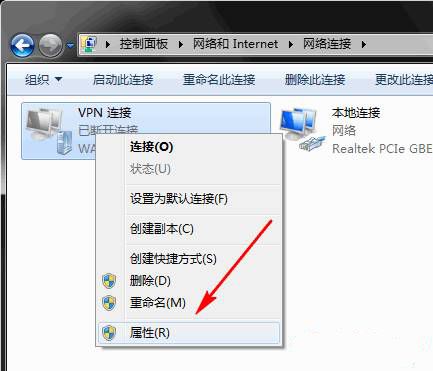
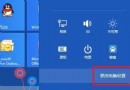
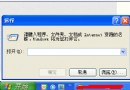
快速進入 VPN 連線屬性修改伺服器位址、驗證協定等參數。
適用於 Win7/8/8.1/10 通用操作。
Windows 8 任務列電源圖示消失恢復:通知區域圖示設定與系統圖示開啟
Windows 8 釋放磁碟空間:磁碟清理工具與儲存空間感知雙管齊下
Windows 8 磁碟清理釋放磁碟空間兩大法:內建工具與系統檔案清理
Windows 8 IE10 不記住帳號密碼?完整排查與修復指南(含群組原則方案)
Win8 快速查看檔案詳細資訊:啟用「詳細資訊窗格」
Windows 8 憑證管理器查看/管理網頁儲存帳號密碼完整教學
Windows 8 一鍵關閉所有 Modern 應用:建立捷徑結束 Metro 程序
Win8 小技巧:將網站與應用程式釘選到開始畫面