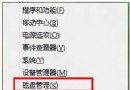
Win8.1 內建「重設這台電腦」功能,可將系統還原至出廠狀態,解決疑難雜症。


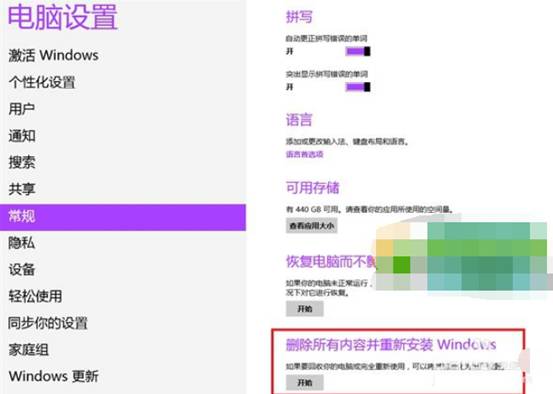

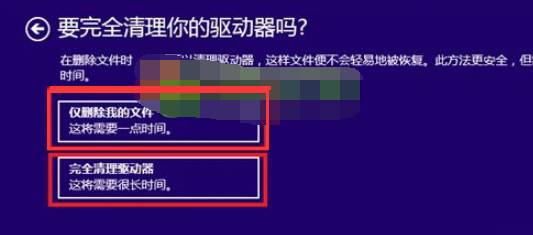
過程需 20-60 分鐘,完成後進入 OOBE 初始設定,如同新電腦開箱。
Windows 8 RP 語言包安裝畫面曝光:支援 109 種語言
Win8.1 如何使用內建映像備份功能完整備份系統?建立 VHDX 系統映像
Windows 8 磁碟最佳化(碎片整理):磁碟機屬性/檔案總管兩種啟動管道
Windows 8 硬碟安裝缺少 install.wim 解決方案:使用 install.esd 或提取啟動檔案至啟動分區
Win 8 更新策略選擇指南:四種自動更新模式優缺點分析與建議
Win8 啟動項管理搬家到工作管理器:啟動影響評估、禁用高影響程式加速開機
Win8 磁碟機代號重新命名:登錄表 DriveIcons 法
HP 印表機在 Windows 8 系統下的三大驅動程式類型差異解析:完整功能、In-OS、Windows Update