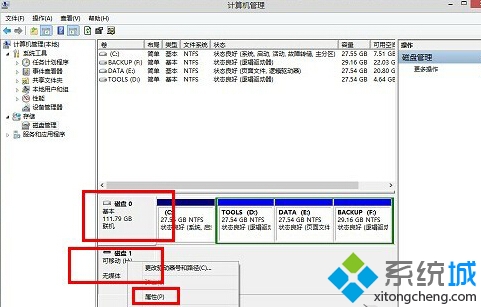
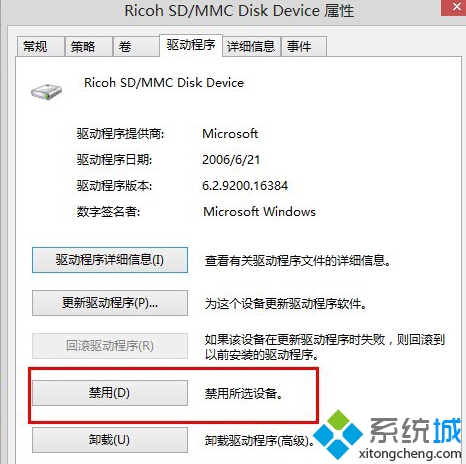
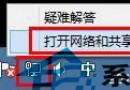
更新讀卡機驅動程式亦可解決此問題(常見於內建讀卡機被誤識為空磁碟)。
Windows 8 IE 瀏覽器提示「未安裝 Flash Player」完整解決方案:啟用附加元件、安裝修補程式、重新註冊 DLL
Win8 關閉自動播放功能教學(控制台設定)
Win8升級Win8.1報錯0xC1900101-0x40017?教你排除幹擾順利升級
Win8/8.1 安裝驅動提示「檔案雜湊值不在目錄中/可能已損壞」:禁用強制驅動程式簽章完整流程
Win8.1 列印非標準紙張 (如 13×23 cm 入庫單):印表機伺服器屬性建立自訂表單
Windows 8.1 預覽版實測安裝全紀錄:從 ISO 到桌面的完整流程
Win8 IE10 內建 Flash Player 升級與重裝:透過 Windows Update 自動更新
Win8 程式無回應怎麼辦?安裝 .NET Framework 3.5 解決相容性問題