Win8 為 IE 瀏覽器新增 Flash 相容網站清單 (IECompatData XML 編輯法) 教學
Windows 8 IE10/11 採用「相容性檢視清單」機制管理 Flash 內容載入。若特定網站 Flash 內容無法顯示,可手動編輯 IECompatData XML 檔案將該網站加入相容清單,強制啟用 Flash。
操作步驟
- 開啟檔案總管,地址列輸入以下路徑並按 Enter:
C:\Users\<您的使用者名稱>\AppData\Local\Microsoft\Internet Explorer\IECompatData
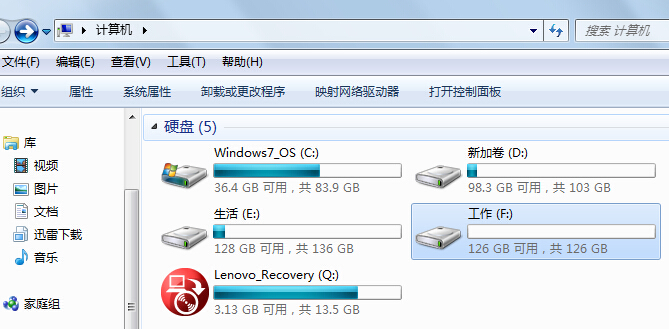
- 找到其中的 XML 檔案 (通常為
iecompatdata.xml 或類似名稱),以記事本開啟 (右鍵 →「開啟方式」→ 記事本)。
- 按 Ctrl + F 搜尋
FLASH 關鍵字,定位 Flash 相容區塊。
- 在對應區塊新增目標網站域名 (格式參考現有條目),儲存檔案。
- 重新啟動 IE 瀏覽器,該網站 Flash 內容應正常載入。
替代方案:IE 相容性檢視設定 (圖形介面)
- IE → 工具 (齒輪) →「相容性檢視設定」。
- 「將這個網站加入」輸入域名 →「加入」。
- 勾選「使用 Microsoft 相容性清單」自動獲取官方更新清單。
重要提醒
- Adobe Flash Player 已於 2020/12/31 終止支援,現代瀏覽器 (Edge、Chrome、Firefox) 均已移除 Flash 支援。
- Windows Update 已推送 KB4577586 移除系統內建 Flash 元件。
- 若企業系統必須執行舊版 Flash 應用,建議使用隔離虛擬機 (Windows 7 + 舊版瀏覽器) 或尋求廠商提供 HTML5/現代技術重寫版本。
- 編輯系統 XML 檔案有風險,操作前請備份原檔案。