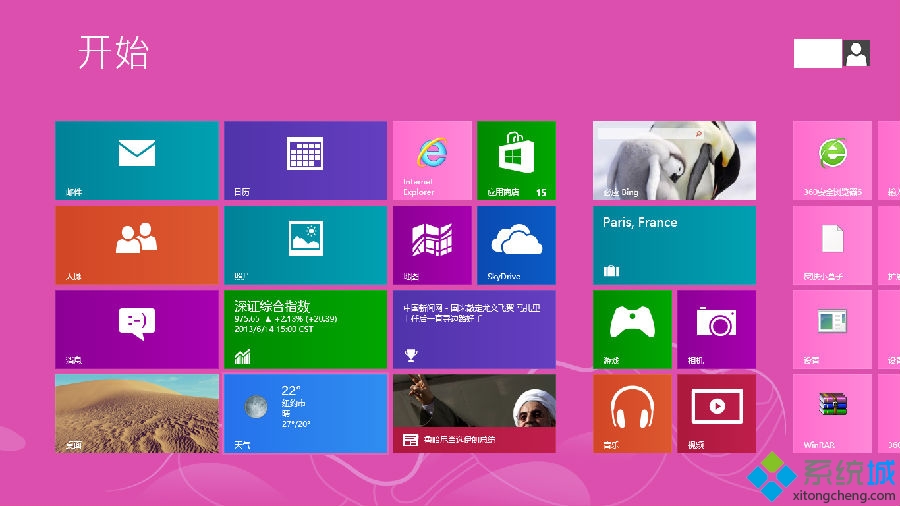
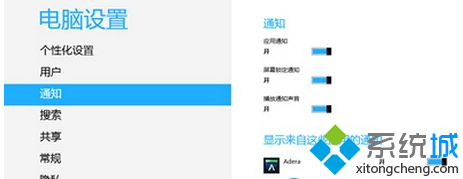
Windows 8 現代應用程式支援通知推送,可在「電腦設定」中管理各應用通知開關與鎖定畫面顯示。
合理管理通知可避免干擾,確保重要訊息不遺漏。
Win8 系統開啟 VPN 連線屬性設定的完整步驟教學
Win 8 移除已安裝 Windows 更新補丁的控制台操作法
Windows 8 進入安全模式四大法:F8 失效後的完整替代方案
Win8 刪除 HomeGroupUser$ 帳戶:離開家庭群組自動移除
Win8 無法登入系統解決方案與密碼重設磁碟製作
Win8 設定命令提示字元預設以系統管理員身分執行:批次檔註冊表修改法
Windows 8 變更桌面主題:個人化一鍵套用/線上下載更多主題
Win8 筆電「網路受限」解決:管理員命令提示字元重置網路堆疊