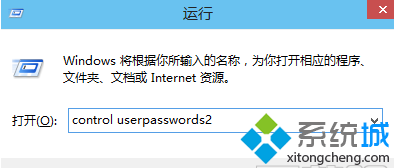
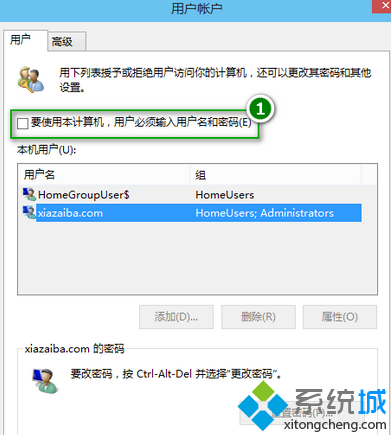
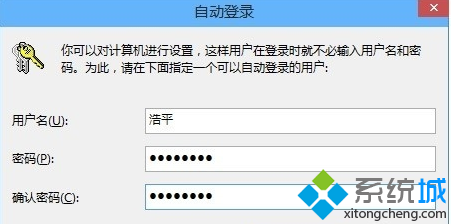
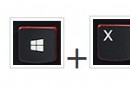
Windows 8 設定開機自動登入(免輸入密碼),透過 control userpasswords2 進階使用者帳號設定。
control userpasswords2
下次開機將直接自動登入桌面。注意:此設定會降低電腦安全性,請視環境決定。
Win8 新增印表機提示「無法開啟新增印表機」:啟動 Print Spooler 服務修復
Win8 開始畫面 SkyDrive 應用完整攻略:雲端檔案管理、Office Web Apps 編輯、跨應用整合與微博連結
Win8 Metro 應用「暫停」狀態詳解:下載佇列機制與快取清理解決卡住問題
Win8.1 應用商店下載錯誤 0x80080206?重設 SoftwareDistribution 資料夾修復
Windows 8 手動綁定 ARP 防禦 ARP 攻擊:CMD 指令與批次檔雙重技巧完整教學
Windows 7/8/8.1 緊急重新開機熱鍵
Windows 8 超級按鈕與快速選單完整操作技巧
Win8 如何退出家庭群組?停用兩項服務即可