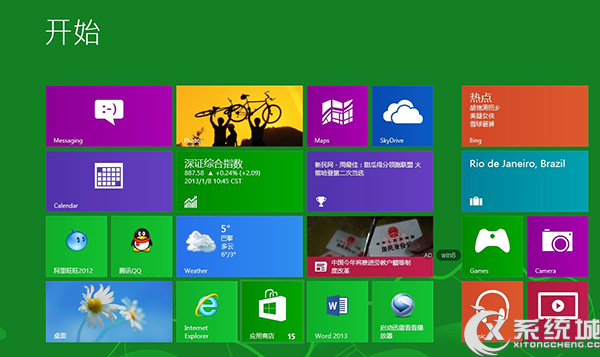
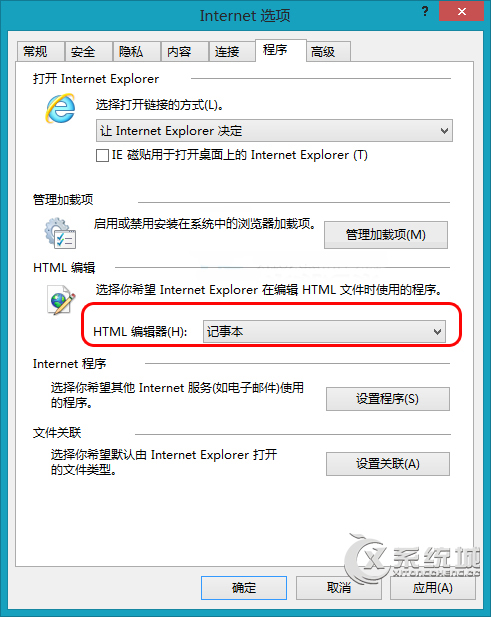
Windows 8 IE 瀏覽器將 HTML 編輯器設為記事本的快速步驟:
設定後「檢視原始碼」將以記事本開啟。
Win8 隨身碟無法格式化?六大原因與兩招解決方案
Windows 8 更换文件夹图标的原生右键属性法
Windows 8 內建燒錄功能完整圖文教學
Win8 寬帶撥號錯誤 1053?服務未啟動是主因
Windows 8.1 建立虛擬網卡完整教學:啟用承載網路的關鍵步驟
Windows 8 Flash Player 無法更新/損毀修復:手動替換檔案與註冊完整教學
Win8.1 高效自訂應用程式預設排序:桌面應用優先顯示
Win8.1 磁磚背景與個人化顏色設定:現代介面個人化自訂