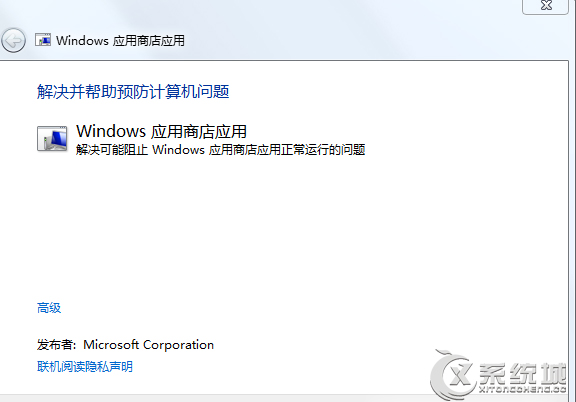
Windows 8.1 應用商店下載應用出現錯誤代碼 80070057,提供三種修復方案。
80070057
services.msc
C:\Windows\SoftwareDistribution
SoftwareDistribution1
4.2.2.2
4.2.2.1
8.8.8.8
114.114.114.114
依序嘗試三種方法通常可解決應用商店下載異常。
Win8 應用商店應用右下角叉叉無法開啟?同步授權一鍵修復
Win8 查看系統啟用時間驗證正版:系統內容啟用資訊完整讀取
Windows 8 執行舊版工作管理器:Win+R 輸入 taskmgr 即可呼叫經典介面
Windows 8 安裝與使用印表機完整教學:驅動自動安裝、手動下載、Metro 應用列印
Win8 右鍵「電腦」開啟管理失敗提示 MSVCR100.dll 遺失?複製檔案至 System32 修復
Win8 關閉資料夾合併衝突提醒:還原 Win7 風格「直接取代」提示對話框
Win8 必裝三大購物神器:比價、找優惠、搜周邊一次滿足
Win8 网络受限/无法连接?查网线→重获 IP→排查 DNS 与驱动分级诊断