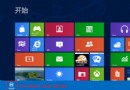
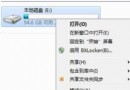
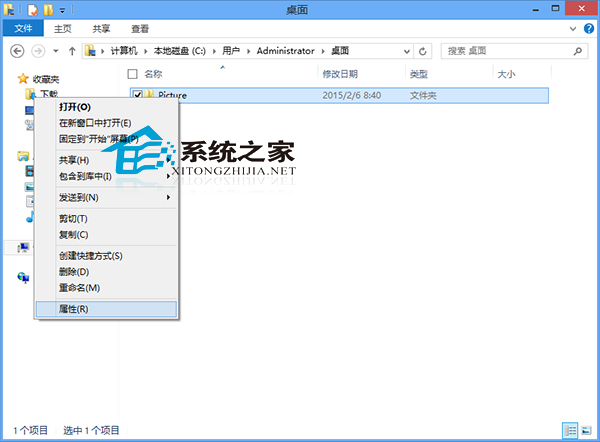
Windows 8 保留经典“文件夹属性 → 自定义 → 更改图标”功能,用户可为任意文件夹指定系统内置图标或浏览 .ico/.dll/.exe 资源文件,无需第三方软件即可实现文件夹视觉分类。
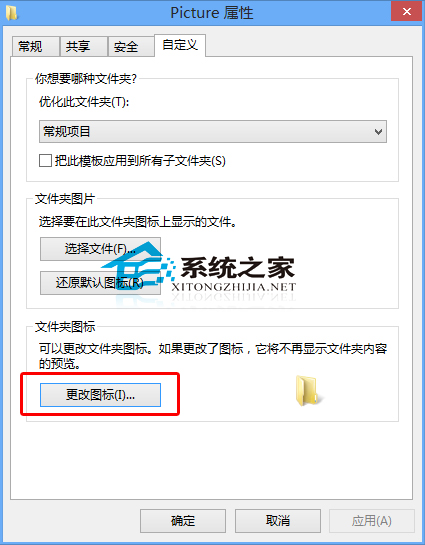
shell32.dll、imageres.dll、D:\Icons\MyIcon.ico 等资源文件中的图标。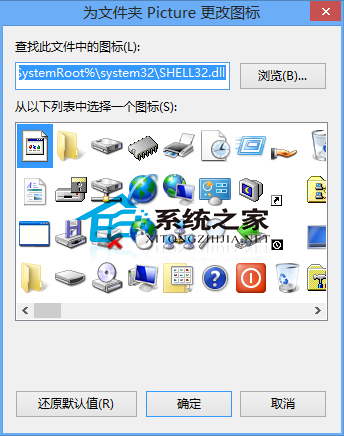
进阶:批量修改同类文件夹图标可借助“软媒魔方”、“Folder Marker”等工具。图标资源推荐:%SystemRoot%\System32\shell32.dll(经典系统图标)、%SystemRoot%\System32\imageres.dll(高分辨率现代图标)、IconArchive、Flaticon 等网站下载 .ico 打包包。Windows 10/11 完全兼容此操作。