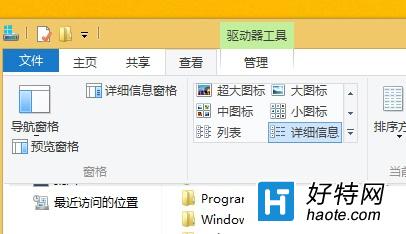
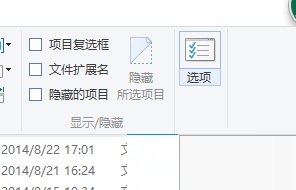
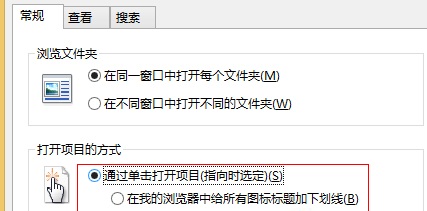
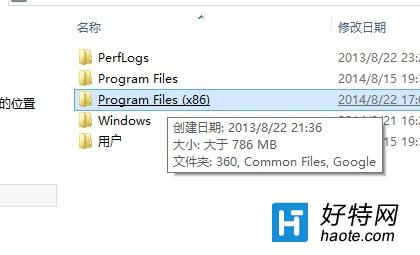
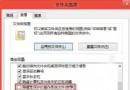
習慣手機單點開啟 App,覺得電腦雙擊資料夾太麻煩?Win8 可將資料夾開啟方式改為單擊:
注意:此設定僅對資料夾生效,執行檔 (.exe) 等程式仍需雙擊啟動。Win7/Win10 同樣適用此設定路徑。
Windows 8 新介面安裝硬體裝置驅動程式圖文教學
Windows 8 支援臉部辨識登入 類似 Kinect 體感技術
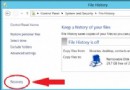
Windows 8 檔案歷程記錄:自動備份重要資料,誤刪也能輕鬆找回
Win 8.1 如何徹底關閉 Modern 應用?拖曳暫停法詳解
Windows 8 關機方法大全:10 種關機/重啟/睡眠技巧(含第三方工具與指令)
Windows 8 桌面回收站圖標隱藏/顯示技巧
Windows 8 標準帳戶啟用內建 Administrator 系統管理員帳戶
Win 8 快速關機四大招:熱鍵、捷徑、開始屏幕磁貼與進階命令