Windows XP Windows 7 Windows 2003 Windows Vista Windows 綜合教學 Linux 系統教學
Windows 10 Windows 8 Windows 2008 Windows NT Windows Server 電腦軟體教學

Win8 應用商店下載程式出現錯誤 0x80080206?重置 Windows Update 元件修復

編輯:Win8 系統應用技巧

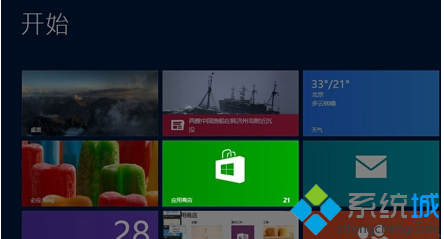
Win8 應用商店下載/更新應用程式報錯 0x80080206,通常是 Windows Update 服務元件損壞或快取資料異常。重置 Windows Update 相關服務與快取資料夾即可修復。
修復步驟

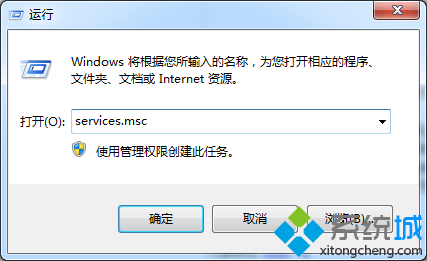
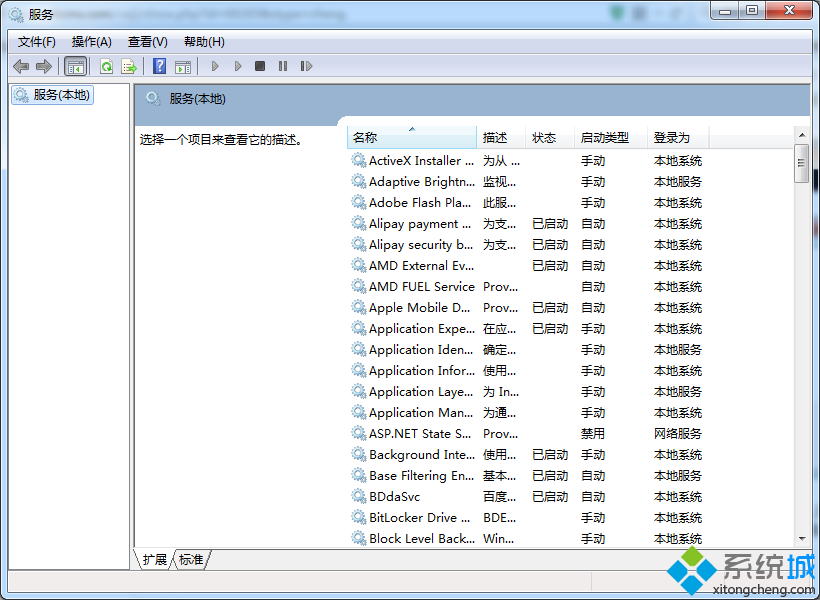
  1. 按 Win+R 輸入 services.msc 開啟服務管理員。
  2. 找到 Windows Update 服務,右鍵選擇「停止」。
  3. 開啟檔案總管,進入 C:\Windows\SoftwareDistribution,將資料夾重新命名為 SoftwareDistribution_Old(備份原快取)。
  4. 回到服務管理員,右鍵「Windows Update」選擇「啟動」(系統會自動重建 SoftwareDistribution 資料夾)。
  5. 重新開啟應用商店嘗試下載/更新,錯誤應已解決。

此方法通過清除損壞的更新快取並重建服務元件,解決 0x80080206 等應用商店下載錯誤。若問題持續,可嘗試執行 wsreset.exe 重置應用商店本身快取。

Copyright © Windows教程網 All Rights Reserved