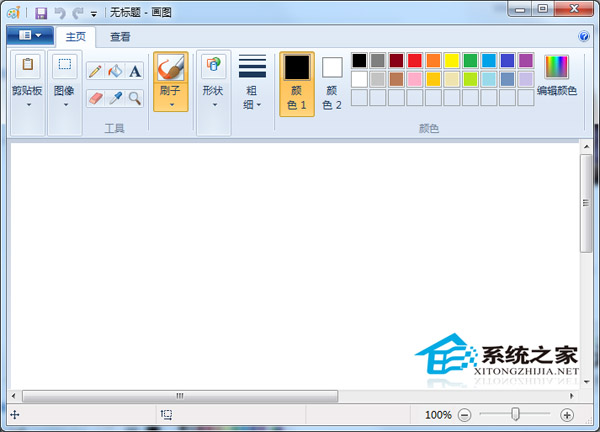
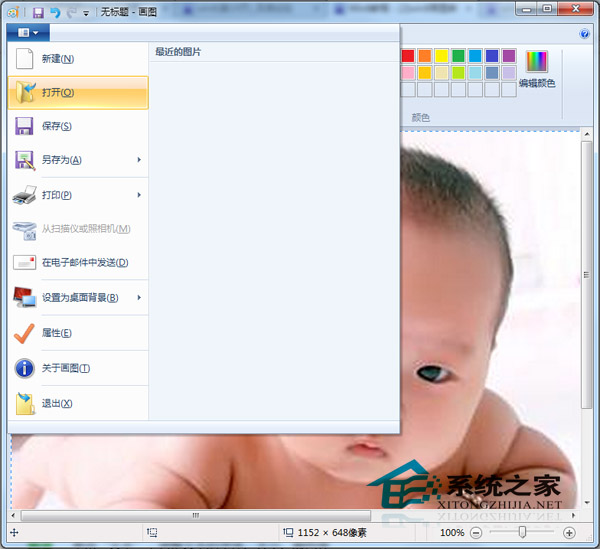
Windows 8 內建「畫圖」工具支援開啟圖片、插入文字、繪製圖形,滿足簡單標註需求,無需安裝 Photoshop 等大型軟體。
mspaint
畫圖工具亦支援裁剪、旋轉、調整大小等基本編輯,適合快速標註截圖、照片。
Win8 解決聽歌看影片雜音、爆音與卡頓問題
Windows 8 無線網路設定選項變灰無法調整解決辦法
Win8 設定 IE10 為預設瀏覽器:兩種快速入口
Windows 8 開啟自動更新完整教學:確保系統即時獲得安全性修補程式
Windows 8 開機自動進入傳統桌面設定教學:建立 .scf 快速捷徑並加入啟動資料夾
製作 Windows 8.1 Update RTM Escrow 整合映像檔完整教學 (DISM + UltraISO)
Windows 8/RT 郵件應用不支援 POP3 郵箱?完整替代方案指南
Win8 自訂系統主題:個人化 → 桌面背景選擇照片/間隔/順序 → 儲存變更