并非所有 Windows 8 设备都内置蓝牙 4.0 低功耗(BLE)模块。通过设备管理器查看是否存在“Microsoft Bluetooth LE Enumerator”节点,可快速判断硬件兼容性。
检测步骤
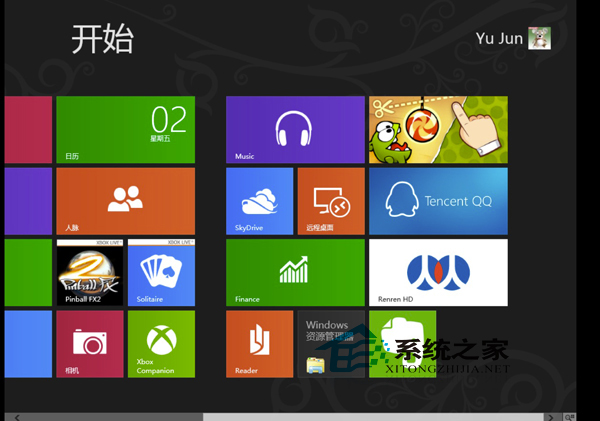
- 右键“开始”按钮(或按 Win + X)选择“设备管理器”。
- 展开“蓝牙”分类。
- 若列表中包含 Microsoft Bluetooth LE Enumerator,即表示硬件支持蓝牙 4.0 低功耗规范,可正常配对 BLE 外设(心率带、智能手环、Beacon 等)。
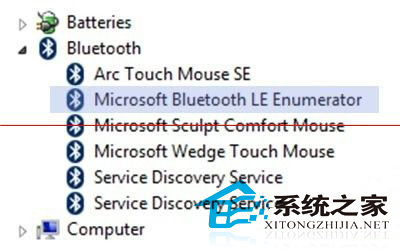
- 若仅显示传统“蓝牙无线电模块”或厂商专用驱动节点,则不支持 BLE,仅兼容蓝牙 2.1/3.0 经典设备。
购买蓝牙外设前建议先行检测,避免买回不兼容设备。近两年主流笔记本/平板/一体机均标配 BLE 模块,老旧台式机可通过 USB 蓝牙 4.0/5.0 适配器补齐。