若在 Windows 8 中嘗試切換或修改 Microsoft 帳戶失敗,通常是帳戶同步狀態異常。可嘗試先切換為本地帳戶,再重新連結 Microsoft 帳戶。
解決步驟
- 回到傳統桌面,按 Win+C 開啟魅力列 → 設定 → 變更電腦設定。
- 左側選「帳戶」 → 「其他帳戶」 → 「新增帳戶」。
- 輸入已申請好的 Microsoft 帳戶(或建立新本地帳戶)。
- 開啟 Windows Store,嘗試安裝任一免費應用,系統會要求輸入 Microsoft 帳戶驗證,驗證通過後即完成關聯。
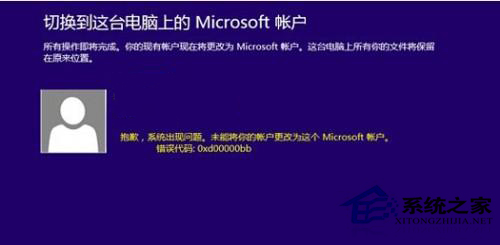

此法可重置帳戶同步狀態,解決多數帳戶切換失敗問題。