Windows XP Windows 7 Windows 2003 Windows Vista Windows 綜合教學 Linux 系統教學
Windows 10 Windows 8 Windows 2008 Windows NT Windows Server 電腦軟體教學

Windows 8/8.1 找回網頁與 Modern 應用儲存密碼:憑證管理員完整操作

編輯:Win8 系統應用技巧

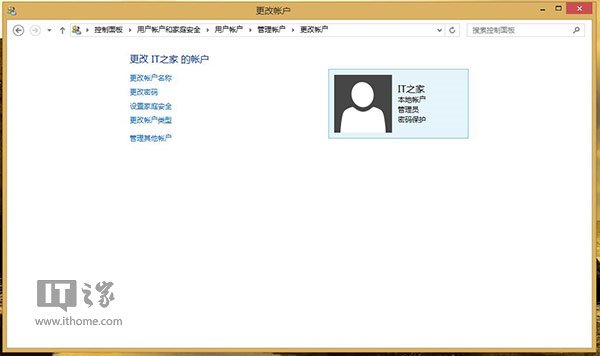
前置條件:設定本機帳戶密碼

若尚未設定,請先至控制台「使用者帳戶」建立密碼,否則無法驗證身分讀取憑證。
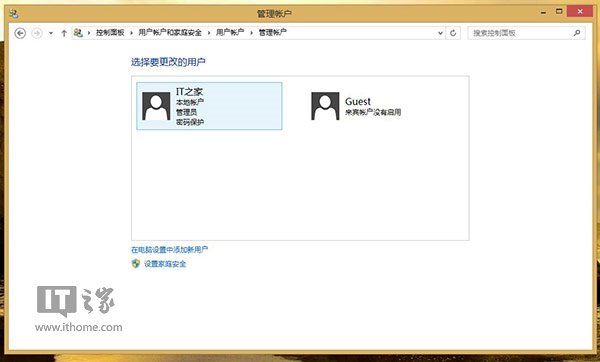
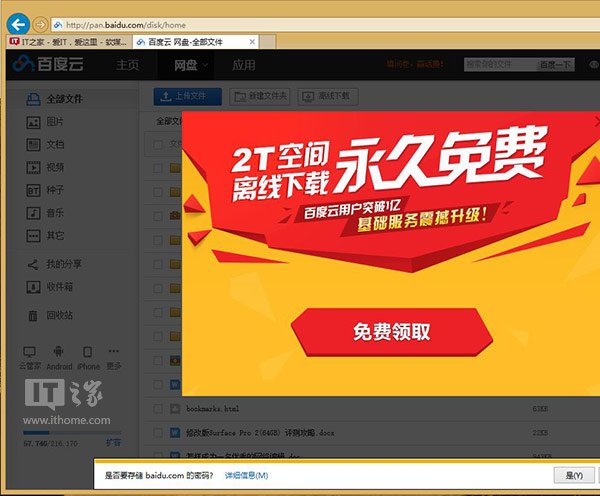
使用者帳戶管理 建立密碼 IE 儲存密碼 記住密碼提示

找回密碼步驟

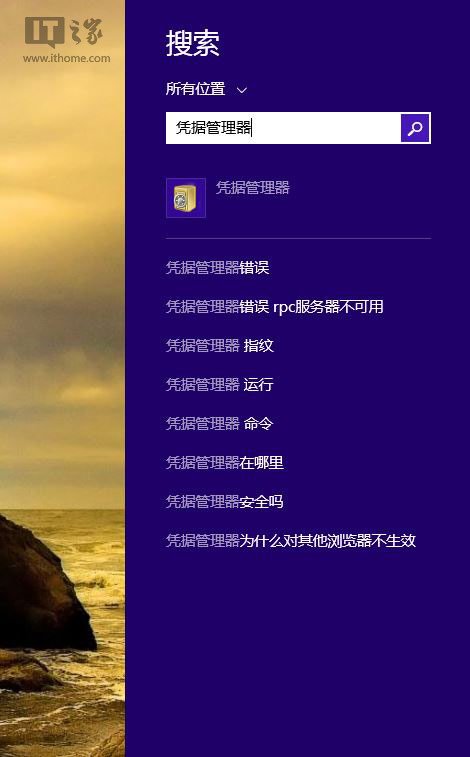
  1. Win+Q 搜尋「憑證管理員」並開啟。
  2. 搜尋憑證管理員
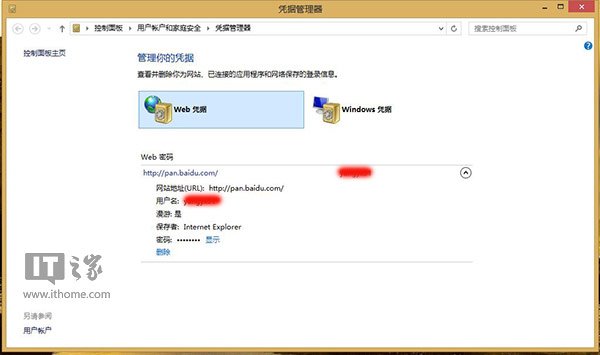
  3. 分為「Web 憑證」與「Windows 憑證」兩類。
  4. 憑證分類
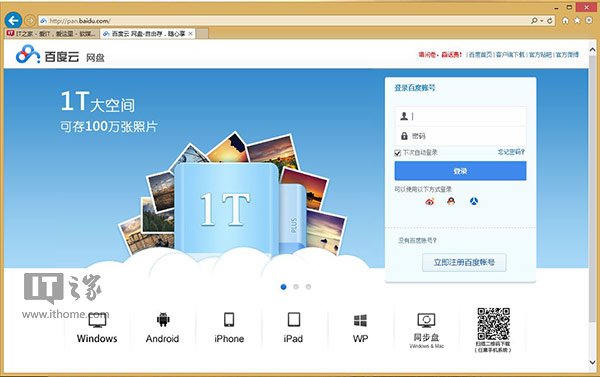
  5. 「Web 憑證」中顯示瀏覽器儲存的網站帳密 (如百度網盤)。
  6. Web 憑證列表
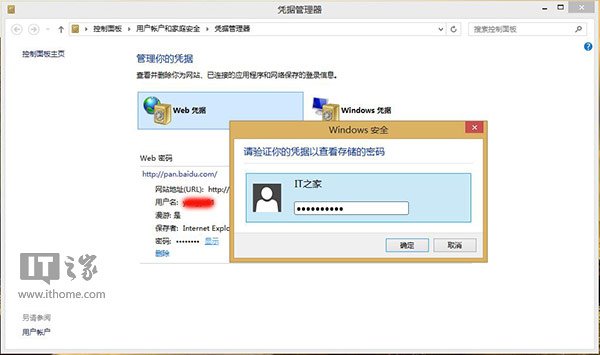
  7. 點選項目 →「顯示」→ 輸入本機帳戶密碼驗證 → 密碼顯示。
  8. 驗證顯示密碼
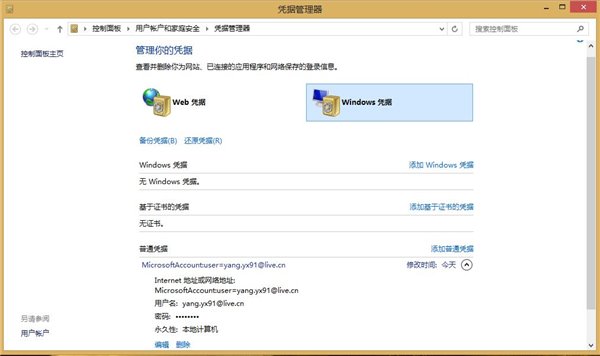
  9. 「Windows 憑證」中可找出 Modern 應用 (如 Bing 健康) 儲存的帳密。
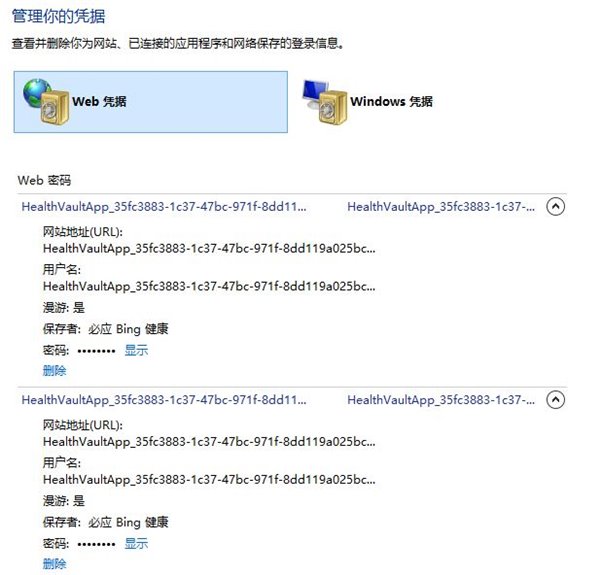
  10. Modern 應用憑證

結語

Windows 8/8.1 憑證管理員集中管理網頁與應用密碼,只需本機帳戶密碼驗證即可安全找回遺忘的登入資訊。

Copyright © Windows教程網 All Rights Reserved