Windows 8 將帳戶密碼設定整合於現代版「電腦設定」介面,透過控制台入口即可快速完成本機帳戶密碼建立。
Windows 8 刪除舊版應用與清理快取:取得 WindowsApps 資料夾權限、移除殘留版本、釋放系統盤空間
Win8 任務管理器詳細解析:雙模式、效能監控、應用歷程、多使用者資源檢視
Win8 加快關機速度雙法:群組原則啟用自動終止阻礙程式、shutdown 指令秒關機
關閉 Windows 8 使用者帳戶控制 (UAC) 彈出提示完整步驟
Win8 六大隱藏功能盤點:開始選單、自動備份、同步、快捷鍵、簡易重裝
Windows 8 開啟高對比度顯示模式的三種方法
Win8 調整右鍵選單項目順序:登錄編輯 Classes 多字串值 + ShellNew 權限設定
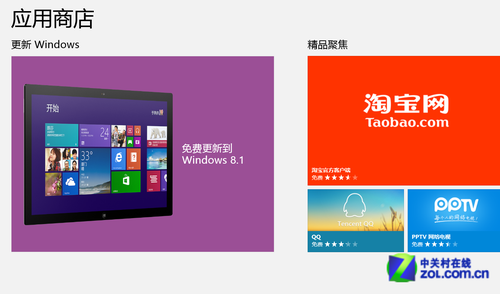
Windows 8.1 Update 推送未收到?手動更新升級教學