Windows 8 專業版/企業版內建 BitLocker 磁碟機加密功能,可為整個磁碟分區設定密碼保護,間接達到資料夾加密目的。本文說明操作流程。
操作步驟
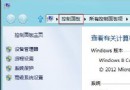
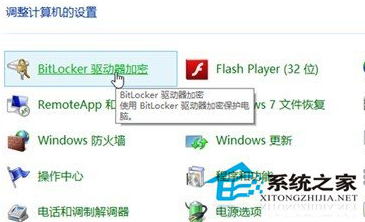
- 開啟「控制台」→「系統與安全性」→「BitLocker 磁碟機加密」。
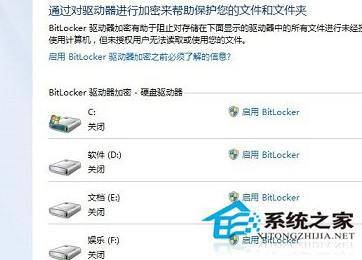
- 選擇欲加密的磁碟機(建議先將機密檔案集中存放於該分區),點選「開啟 BitLocker」。
- 設定解鎖密碼或使用智慧卡,備份復原金鑰(列印、儲存至檔案或 Microsoft 帳號),選擇加密模式(新加密模式較安全),開始加密。
加密完成後,該分區需輸入密碼才能存取,有效保護資料隱私。注意:BitLocker 不支援 Windows XP 系統讀取。