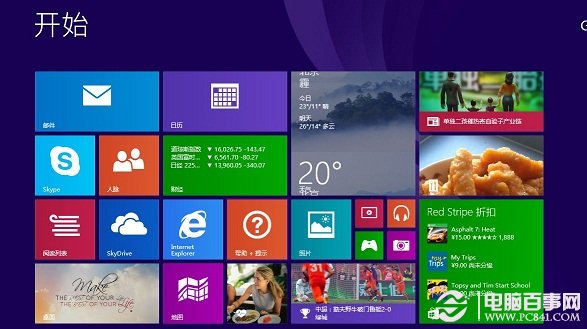
安裝 Win8.1 Update 過程中出現「無法完成升級,復原變更」並顯示錯誤碼 80073712,微軟論壇多用戶回報,官方尚未提供正式修補方案。
DISM /Online /Cleanup-Image /RestoreHealth
建議持續關注 Windows Update 或微軟官方公告獲取正式修正程式。
微軟揭秘:為什麼要「殺死」 Windows 8 的開始按鈕?數據驅動的設計決策
Windows 8 隱藏功能大揭秘:你忽略的實用細節(上)
Windows 8 內建截圖工具:四種模式、一鍵儲存、開始畫面截圖、編輯分享
Windows 8 無聲音問題:修改登錄 Audiosrv 權限解決
Windows 8 Metro 版 QQ 好用嗎?實測:卡頓嚴重、難以正常使用
Windows 8 升級 Windows 8.1 完整教學:Windows Store 免費更新、ISO 全新安裝、預覽版與正式版差異詳解
Win 8.1 Build 9385 新功能:鎖定畫面鬧鐘應用、IE11 開發者工具、指派存取模式
Win7/Win8.1 開啟資料夾卡頓假死?四大解決方案徹底解決