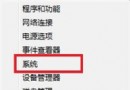
若 Windows Update 未自動推送 Win8.1 Update,可手動安裝必要更新套件取得。
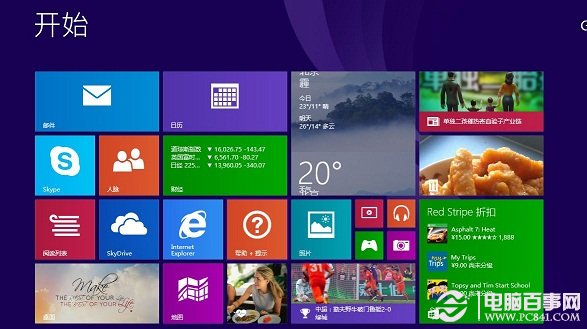
若安裝失敗請參考「Win8.1 Update 安裝失敗解決辦法」。
Windows 8 安裝教程圖文解析(第 1 部分):UltraISO 製作 USB 安裝碟、開發者預覽版特色、8 秒開機
Windows 8 激活漏洞曝光:幾行指令延長 180 天試用,微軟 24 小時緊急封堵
Windows 8 進階玩法:極速開機、虛擬光驅、2 分鐘重裝系統全攻略
Windows 8 調整螢幕顯示比例與解析度:三檔縮放 (100%/125%/150%)、自訂文字大小、ClearType 校正
Windows 7/8 硬碟分區無法重新命名?修改登錄檔一鍵解決
Windows 8 關閉 UAC (使用者帳戶控制) 教學:拒絕彈出「允許變更」提示
Windows 8.1 啟動金鑰備份與還原完整教學:工具法與手動法
Win8 必學 7 招優化:關閉 UAC、解除檔案佔用、找回開始功能表、禁用鎖定畫面、靜音系統音、第三方優化、徹底禁用 Modern UI