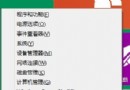
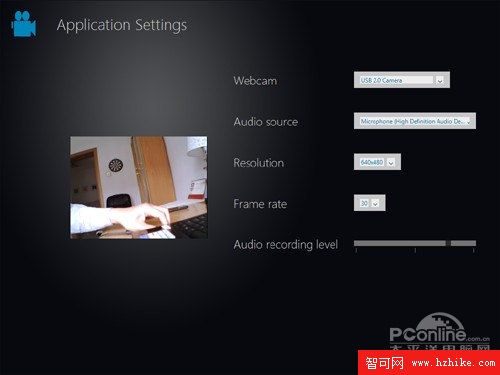
位於 C:\Windows\System32\WebCam.exe,雙擊或開始畫面搜尋「Webcam」啟動。需組合鍵 Ctrl+Shift+F9 喚出介面。功能包含:錄影、拍照、定時拍照 (均有 3 秒預備倒數)、程式設定 (音訊來源、解析度、幀率)、攝影機屬性 (亮度、縮放、銳化、防閃爍)。
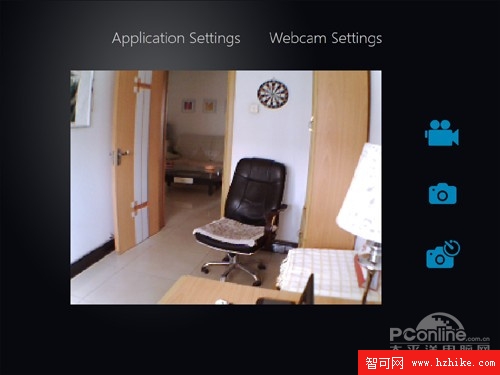
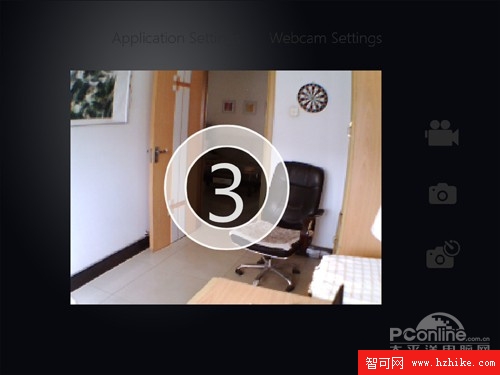
連載五集介紹 Windows 8 隱藏小工具:分螢幕工具 (Sysinternals Desktops)、PDF 閱讀器、Metro 瀏覽器、WebCam。這些功能以檔案形式散落系統目錄,功能尚不完整,但展示 Windows 8 整合觸控、雲端、現代化應用的架構願景。
注意:本文功能需解鎖工具啟用,請自行搜尋「Win8 一鍵解鎖工具」。太平洋電腦網將持續追蹤 Windows 8 最新資訊。