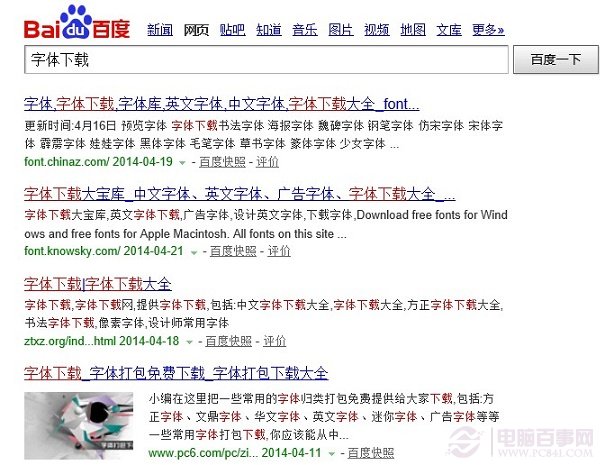
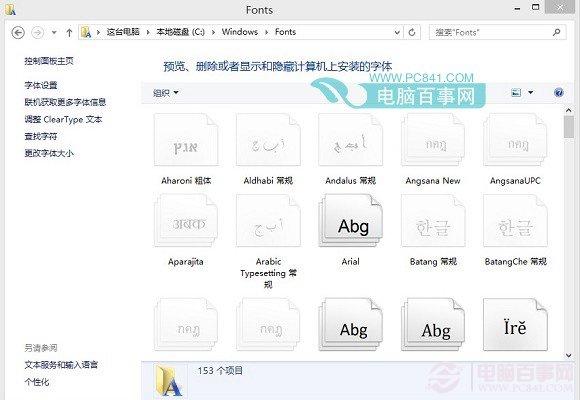
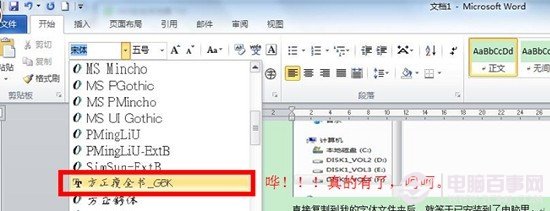
下載喜歡的字型(.ttf 或 .fon)後,僅需複製到系統字型資料夾即可在 Word、Photoshop 等軟體中使用。
C:\Windows\Fonts
替代法:控制面板 → 「字型」 → 直接拖入字型檔亦可安裝。
此法適用 Win7、Win8、Win8.1 所有版本。
Win 8/8.1 如何看電腦規格:裝置管理員 + 系統屬性 或 魯大師一鍵檢測
Windows 8 使用網路攝影機拍攝大頭照設定為帳戶圖片完整步驟
移除 Win 8 IE10 讓其他瀏覽器成為預設?
Windows 8 分畫面功能教學:一邊看電影一邊聊天,滑鼠拖曳即可分割螢幕
為何建議使用標準帳戶而非管理員帳戶?
Windows 8 常見問題彙總:輸入法切換、截圖、檔案關聯、語言包等 8 大 Q&A
Win8 網路連線錯誤 118?CMD 三指令重置 DNS 與 TCP/IP 秒解
Windows 8 使用 Microsoft 帳號免密碼登入設定:control userpasswords2 快速啟用