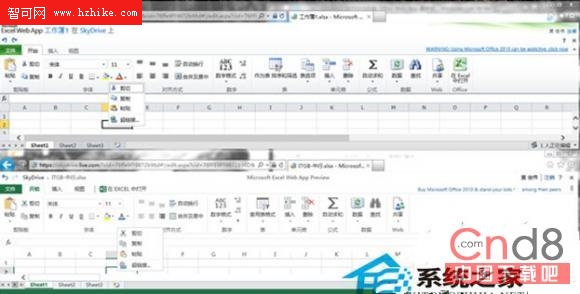
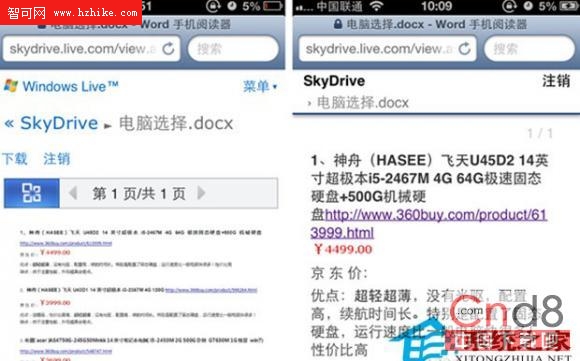
支援觸控、iOS/Android 相容性大幅改進,介面貼近 Office 2013,多語言含中文。
skydrive.live.com/OfficeBetaOptions
加入後開啟 SkyDrive 中文件,即可看到新版介面。iOS/Android 目前僅支援瀏覽,不支援編輯,但相容性優於舊版。
雲端 Office 讓跨裝置文件編輯成為現實,預覽版已展現 Office 2013 風格與雲端協作潛力。
Windows 8 現有版本 Bug 眾多,屬正常現象
Windows 8 如何變更使用者帳戶類型?標準用戶升級管理員完整步驟
Windows 8 原生 USB 3.0 驅動效能實測:微軟自帶驅動媲美廠商官方版
Windows 8 開發者預覽版常見六大問題解決方案彙整
Windows 8 藍畫面重開機排查指南:QQ 版本、驅動、超頻、硬體檢查
Win8 Cisco VPN Client 錯誤 442 解決方案:啟用虛擬網卡、啟動服務、修改登錄 DisplayName
啟用 Windows 8 檔案歷程記錄自動備份,輕鬆找回誤刪檔案
Windows 8 移除捷徑小箭頭:免安裝軟體,使用批次檔修改登錄表