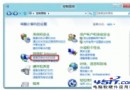
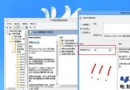
建立含特定指令的 .scf 檔,置於啟動資料夾,開機自動執行即可最小化所有視窗、進入桌面。
[Shell]Command=2IconFile=Explorer.exe,3[Taskbar]Command=ToggleDesktop自動桌面.scf(副檔名必為 .scf)至任意位置(如桌面)。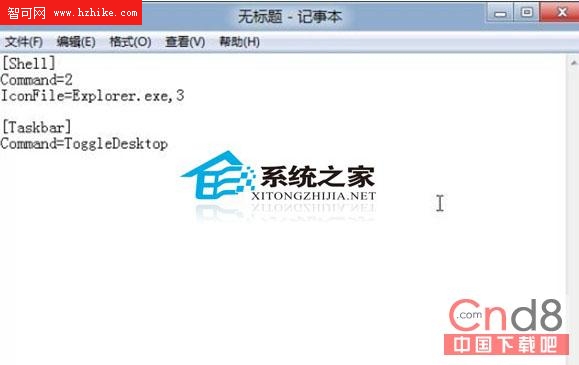

C:\ProgramData\Microsoft\Windows\Start Menu\Programs\StartUp。此法無需修改系統設定,純捷徑自動化,完美解決 Win8 開機預設進入開始畫面的困擾。
Windows 8 五大特性重新定義應用體驗:同步、商店、分屏、動態磚、全域搜尋
Windows 8 體驗連載 (二) 工作列與個人帳戶 (下):圖形密碼登入、觸控優化輸入法、M1 功能消失之謎、類 WP7 待機介面
Windows 8 KMS 激活原理深度解析:架構、流程、激活計數與 CMID 機制
Windows 8 隱藏功能開啟工具發布:Ribbon 介面、PDF 閱讀器、新任務管理器一鍵啟用
Windows 8.1 光碟/USB 乾淨安裝完整圖文教學(含分區、產品金鑰、帳號建立)
已曝光的 Windows 8 核心新功能:SmartScreen 系統級防護、應用商店、History Vault、分級安裝、OA 3.0、ISO 掛載