Windows 8 開始按鈕 (或 Win 鍵) 點擊無反應、開始畫面不彈出,通常是元件存放區損毀導致 Shell 體驗主機故障。透過 DISM 三連發指令掃描、檢查、修復系統映像,可在不重裝系統前提下解決問題。
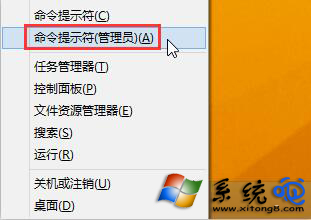
dism /online /cleanup-image /scanhealth
dism /online /cleanup-image /checkhealth
dism /online /cleanup-image /restorehealth
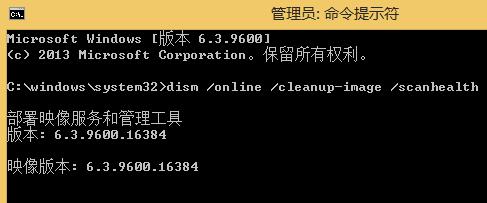
/scanhealth:快速掃描元件存放區是否損毀。/checkhealth:檢查是否已標記為損毀 (較快)。/restorehealth:自動從 Windows Update 下載健全檔案替換損毀元件。可嘗試 PowerShell 執行 Get-AppXPackage -AllUsers | Foreach {Add-AppxPackage -DisableDevelopmentMode -Register "$($_.InstallLocation)\AppXManifest.xml"} 重新註冊所有現代應用,或建立新使用者帳號測試是否為個人設定檔損毀。