ClearType 設定錯誤導致字體發虛、色彩邊緣?可透過登錄檔將 HKEY_CURRENT_USER\Software\Microsoft\Avalon.Graphics\DISPLAY1 下四個 FontSmoothing* 鍵值重置為預設(2, 0, 1, 2),重開機即可還原。
regedit。HKEY_CURRENT_USER\Software\Microsoft\Avalon.Graphics\DISPLAY1。FontSmoothingGamma = 2FontSmoothingOrientation = 0FontSmoothingType = 1 (ClearType)FontSmoothingLevel = 2 (標準)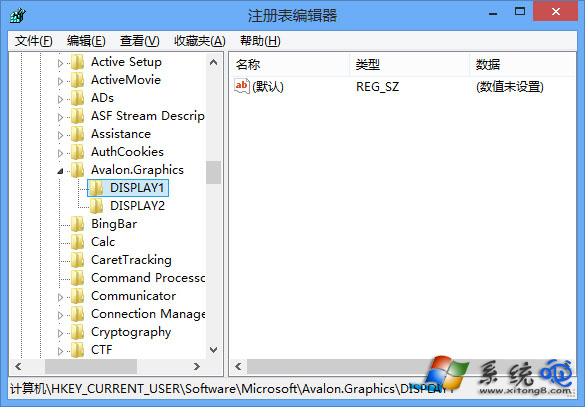
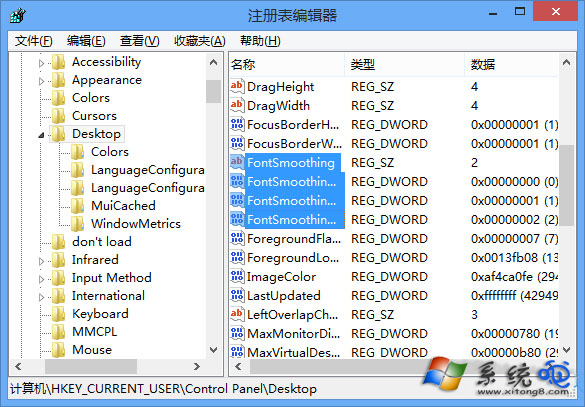
控制台 → 「外觀與個人化」→ 「顯示」→ 左側「調整 ClearType 文字」,依精靈逐步點選最清晰範例,系統會自動寫入上述登錄值。