KB3000850 為 Win8.1 更新彙總套件,安裝失敗常因第三方防毒/安全衛士(如百度衛士、360、騰訊電腦管家)即時掃描鎖定系統檔案導致。解除安裝安全軟體後重新更新通常即可成功。
解決步驟
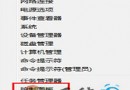
- 控制台 → 「程式和功能」→ 「檢視已安裝的更新」或「解除安裝程式」,移除所有第三方防毒、安全衛士、系統優化工具。
- 重新開機。
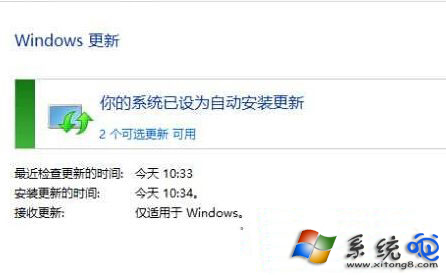
- 設定 → 「更新與修復」→ 「Windows Update」→ 「檢查更新」,下載並安裝 KB3000850。
- 更新完成後可重新安裝慣用安全軟體(建議改用 Windows Defender + 瀏覽器廣告攔截)。
補充說明
- 若不想解除安裝,可嘗試在安全軟體中將
C:\Windows\SoftwareDistribution、C:\Windows\WinSxS 加入信任/排除掃描清單。
- 離線安裝:至 Microsoft Update Catalog 下載獨立 .msu 檔手動安裝,可繞過 Windows Update 服務問題。