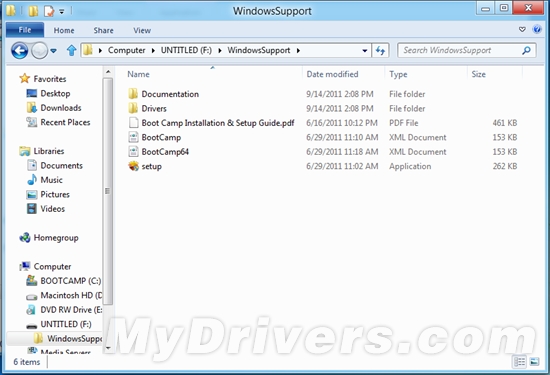
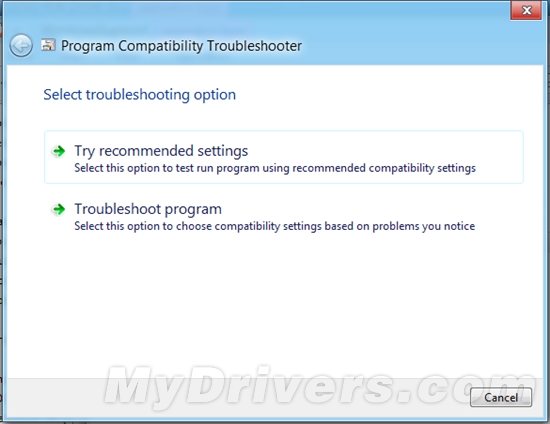
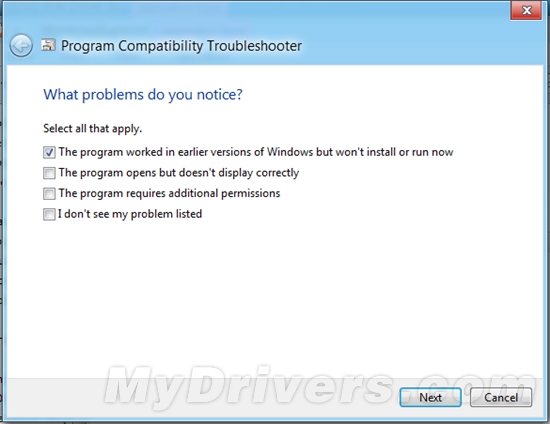
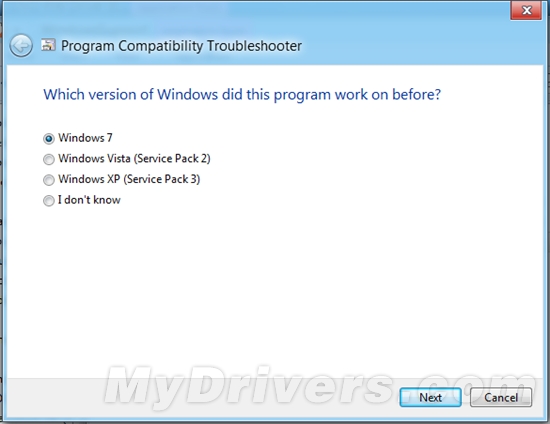
需最新版 Boot Camp。安裝後從 Boot Camp 磁碟執行 setup.exe,右鍵選「相容性疑難解答」→「疑難排解程式」→勾選「舊版 Windows 相容」→選「Windows 7」→完成重啟。勿忘開啟「單點點擊」與「雙指右鍵」以支援 Metro 滑動。
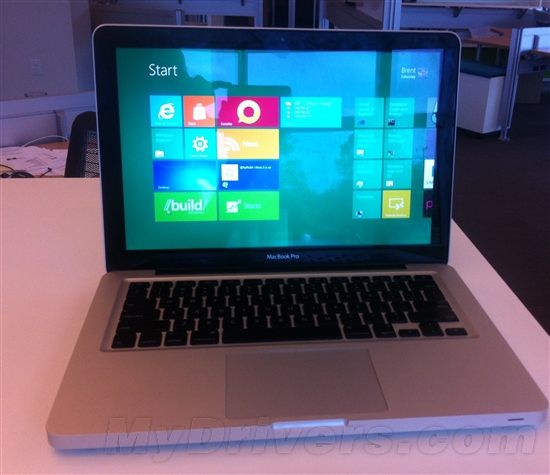
MacBook Pro 成功運行 Windows 8
若 setup.exe 失敗,可進 Drivers 資料夾逐一手動安裝驅動。32 位版本在 2011 MacBook Air 上測試可行。
Windows 8 相容性測試誤判六核心處理器,實際安裝無礙
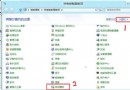
Win8 取消鍵盤切換鍵提示音:易用性中心一鍵關閉
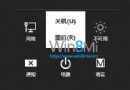
Windows 8 關機七大法:熱鍵、實體鍵、批次檔、Charms 列全攻略
Windows 8.1 「這台電腦」分組顯示儲存裝置:依檔案系統分類讓 USB/光碟/本地磁碟分區分開
Windows 8 開啟磁碟提示參數錯誤:chkdsk /f /r 修復檔案系統錯誤
Windows 8 建立系統還原點三步驟:桌面電腦右鍵 → 系統保護 → 建立
Win 8 安裝更新後切換視窗變慢 卸載 KB3033889 即可解決
Win8 寬頻連線錯誤 813?刪除舊連線重建解決連接埠衝突