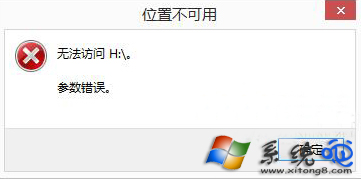
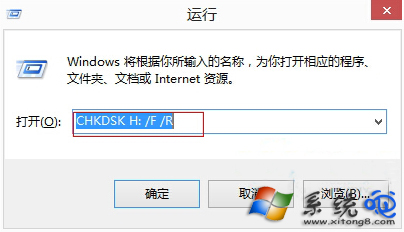
Win8 開啟磁碟提示「參數錯誤」,無法修改磁碟代號。修復:
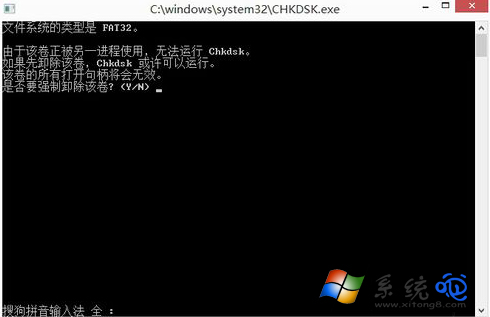
chkdsk H: /f /r
Y
Windows 8.1 虛擬鍵盤完整操作指南:觸控、拇指鍵盤與手寫面板技巧
Win8 筆電合蓋不自動開機:電源選項三步驟設定「不採取任何動作」
Windows 8.1 隱藏功能:像手機一樣滑動關機
Win8 資料夾唯讀/系統屬性設定:attrib 指令突破介面限制
Windows 8 採用全新啟用技術 OA 3.0 OEM 預裝授權更安全
Windows 8.1 應用商店終於支援支付寶付款!中國用戶無需國際信用卡即可購買付費應用與遊戲
Win8 開機直接進桌面:Skip Metro Suite 一鍵屏蔽開始畫面
Win8 如何移除應用商店預裝應用?設定→搜尋和應用→應用程式大小→解除安裝