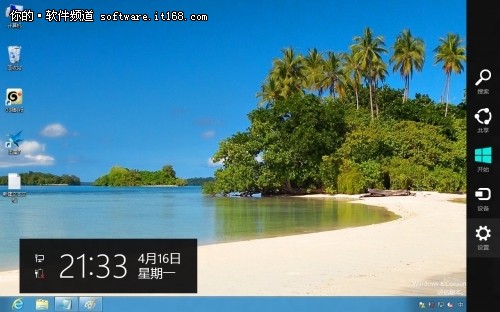
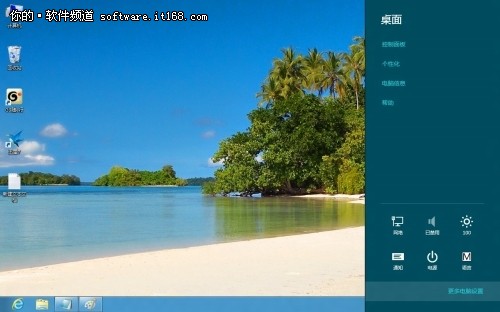
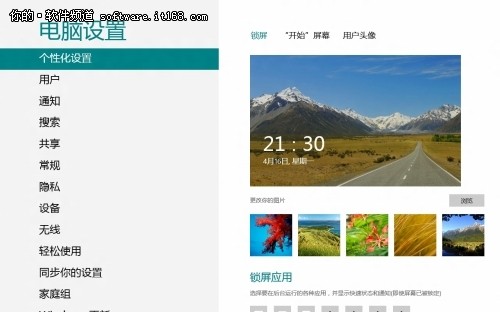
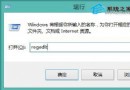
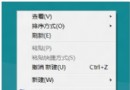
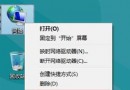
Windows 8 鎖定畫面支援自訂圖片與應用程式狀態通知,設定路徑如下:
同樣在「個人化」中可設定「開始畫面」配色與「帳戶圖片」(支援網路攝影機拍照)。Win7 主題檔亦相容於 Win8 使用。
Win8.1 關閉鎖定畫面(鎖屏)兩種方法
Win7/Win8.1開啟IE11企業模式(IE8相容模式):群組原則設定教學
Windows 8 VPN 連線完整設定與常見問題排解
Windows 8 禁止開始畫面顯示最近使用的應用程式與檔案
Windows 8 建立新使用者帳戶完整圖文教學(Microsoft 帳戶與本機帳戶)
Win8 vs Win7 效能大比拚:傳說升級系統勝過升級硬體?雙平台實測 CPU/記憶體/綜合效能
Windows 8 調整螢幕顯示比例:解析度與文字/項目縮放雙重設定讓長輩也能看清
Win8 內置備份還原工具完整圖文教程:創建系統映像 + 光盤/移動硬盤恢復