Windows 8 移除傳統開始選單,許多用戶找不到控制台。以下分享幾種快速開啟控制台的方法:
按 Win+U,左側上方即有「Control Panel Home」連結。
桌面右鍵選「Personalize」→ 左上角「Control Panel Home」。建議順便點「Change desktop icons」,勾選 Computer、Control Panel 等五項,直接在桌面建立捷徑。
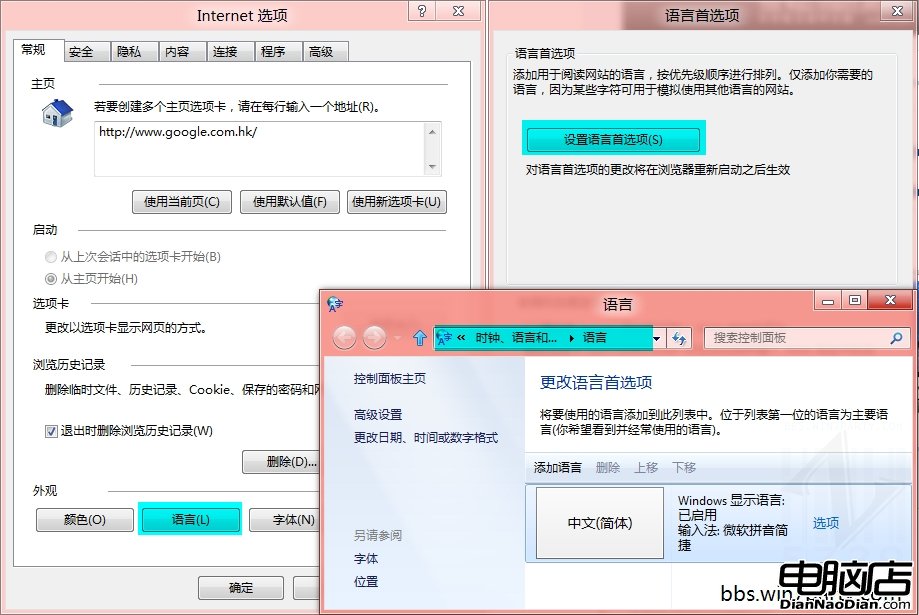
滑鼠指向左下角開始鍵不顯示大字時間時右鍵,選「Open Windows Explorer」。開啟檔案總管後,點擊地址列最左側資料夾圖示,下拉選單中即有 Control Panel。
掌握這幾招,再也不用為找不到控制台而煩惱。
Windows 8 社交應用推薦:新浪微博、人人網、飛信觸控體驗評測
尼爾森諾曼專家批評:Windows 8 讓使用者「下車」,雙介面切換成噩夢
微軟詳解 Windows 8 安全性能提升:強化 Defender、SmartScreen 系統級、UEFI 安全啟動
Win8 刪除舊版 App 與清理 App 快取:WindowsApps 資料夾權限取得與空間釋放實戰
Win 8.1 Update 必學高效快捷鍵大全:桌面、現代應用、多工切換一鍵搞定
Windows 8 Modern 介面入門:圖片密碼登入與動態磚塊操作體驗