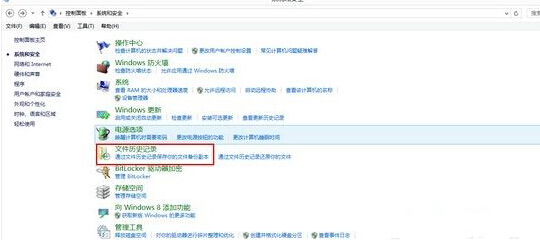
Win8 關機步驟較繁瑣,建立一鍵關機捷徑可秒關機。使用 shutdown.exe 參數製作捷徑,並自訂圖示、釘選到任意位置。
shutdown.exe /s /hybrid /t 0 (混合關機、立即執行)。shutdown.exe -s -t 0。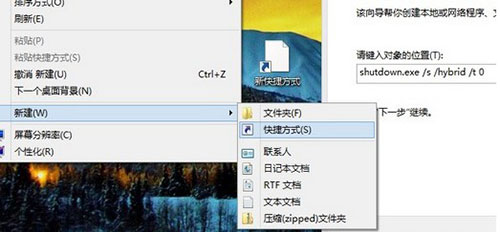
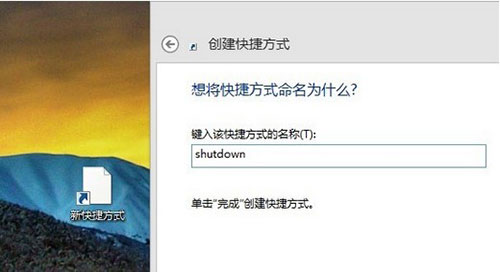
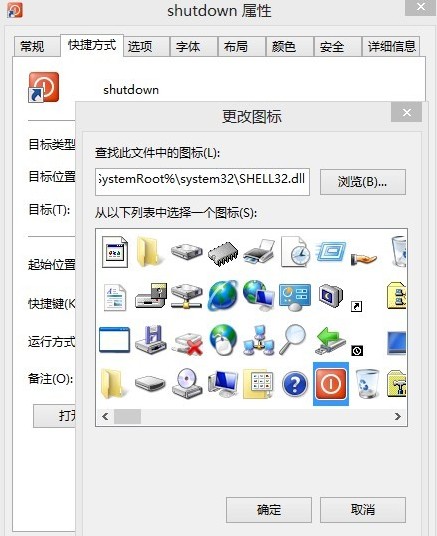
⚠ 注意: 點擊此捷徑立即關機,無確認對話框,請放置於不易誤觸位置。
Windows 8 系統還原與隱藏分區出廠備份關聯設定:diskpart + reagentc 指令教學
Windows 8 手動下載語言包離線安裝教學:抓取官方下載連結全流程
ATM 獲准採用 Windows 8.1:Windows Embedded 8.1 企業級應用與 Assigned Access 新功能解析
Windows 8 消费者预览版关机五法大全:Win+I、Alt+F4、Ctrl+Alt+Del、shutdown命令、桌面快捷方式
官方解答 Win8.1 免費更新找不到原因:KB2871389 缺失、企業版授權限制