Windows XP Windows 7 Windows 2003 Windows Vista Windows 綜合教學 Linux 系統教學
Windows 10 Windows 8 Windows 2008 Windows NT Windows Server 電腦軟體教學

Windows 8.1 升級 Update RTM (KB2919355) 完整圖文教學:先裝 5 個 Rollup、再裝 KB2919442、最後裝 KB2919355

編輯:Windows 8 系統介紹

升級前置條件:確認已安裝以下更新

  • 2013/10:Rollup A (KB2883200)、Rollup B (KB2884846)
  • 2013/11:November Rollup (KB2887595)
  • 2013/12:December Rollup (KB2903939)
  • 2014/01:January Rollup (KB2911106) —— 選用更新需手動勾選安裝
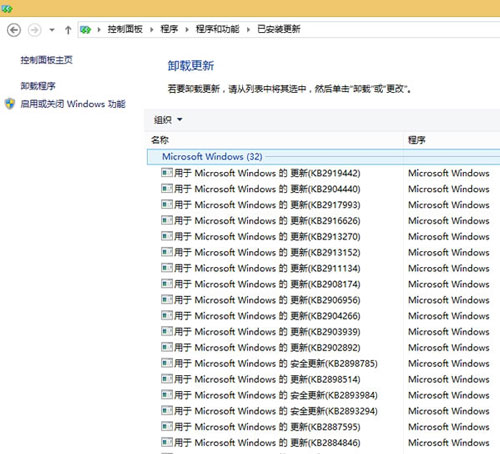
已安裝更新確認
確認已安裝更新清單

升級三步驟

  1. 安裝 KB2919442(無需重開機)。
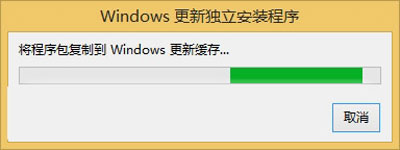
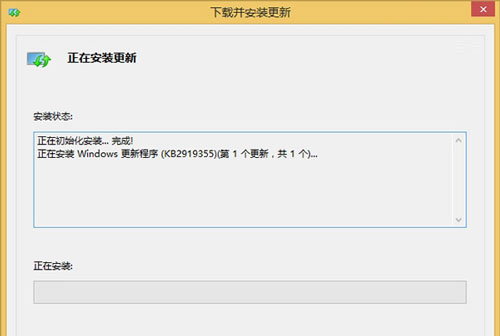
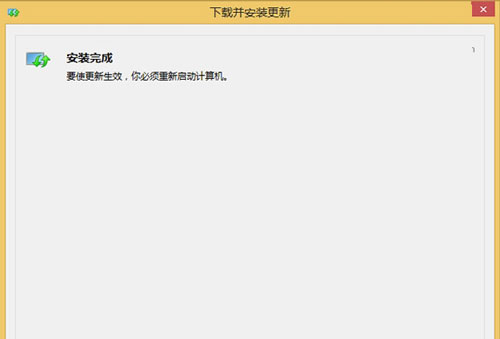
  2. 安裝 KB2919355(約 15-40 分鐘,需重開機)。
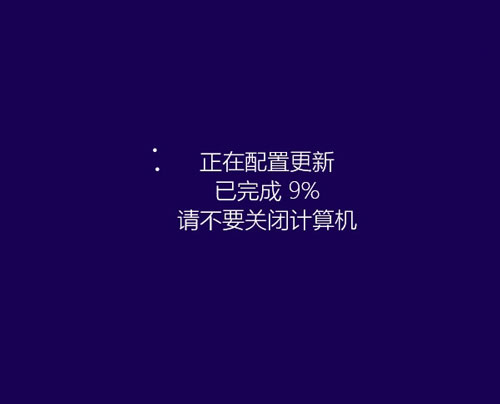
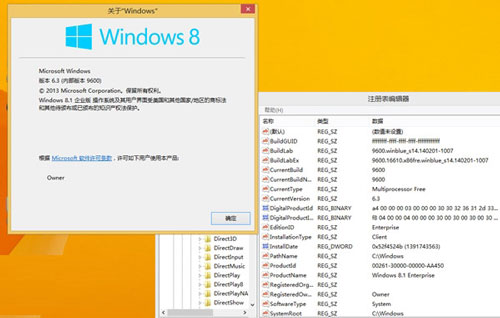
  3. 重開機完成,版本從 6.3.9600.16452 升至 6.3.9600.16610,體驗 Windows 8.1 Update 新功能。
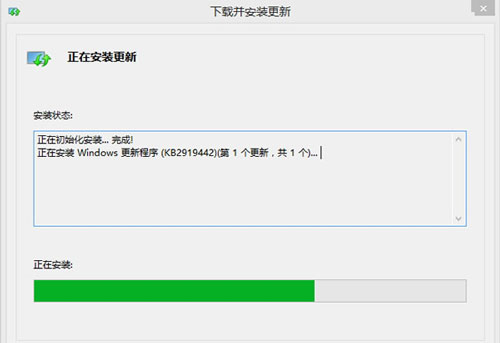
KB2919442
安裝 KB2919442
KB2919355-1
安裝 KB2919355
KB2919355-2
安裝進度
KB2919355-3
安裝完成重開機
KB2919355-4
更新完成

新功能亮點

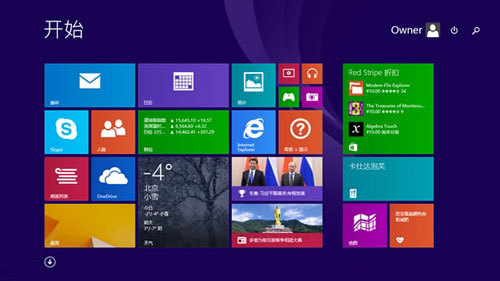
  • 開始畫面出現關機/搜尋按鈕。
  • 工作列支援 Modern 應用程式釘選與即時預覽。
開始畫面關機鈕
開始畫面關機/搜尋按鈕
工作列Modern應用
工作列支援 Modern 應用釘選

渴望體驗 Windows 8.1 Update RTM 的用戶,依序安裝上述更新即可提前享受新功能。

Copyright © Windows教程網 All Rights Reserved